The HTML Validation report and the HTML Summary Validation report will list all the data captured in the school census. These can be checked, and the data amended as needed for the census.
A checklist is available in the School census article for areas to check prior to running the census.
School settings
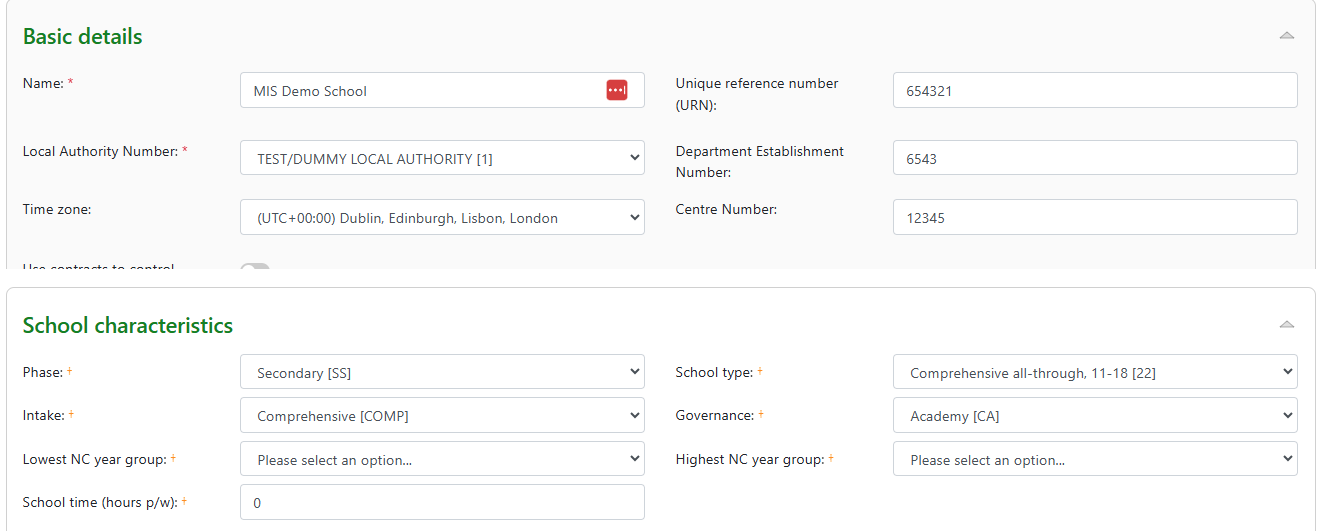
Common errors will relate to the school settings where the information is missing, so ensure these are complete: Settings > School settings and contact details > MIS tab - Basic details and School characteristics
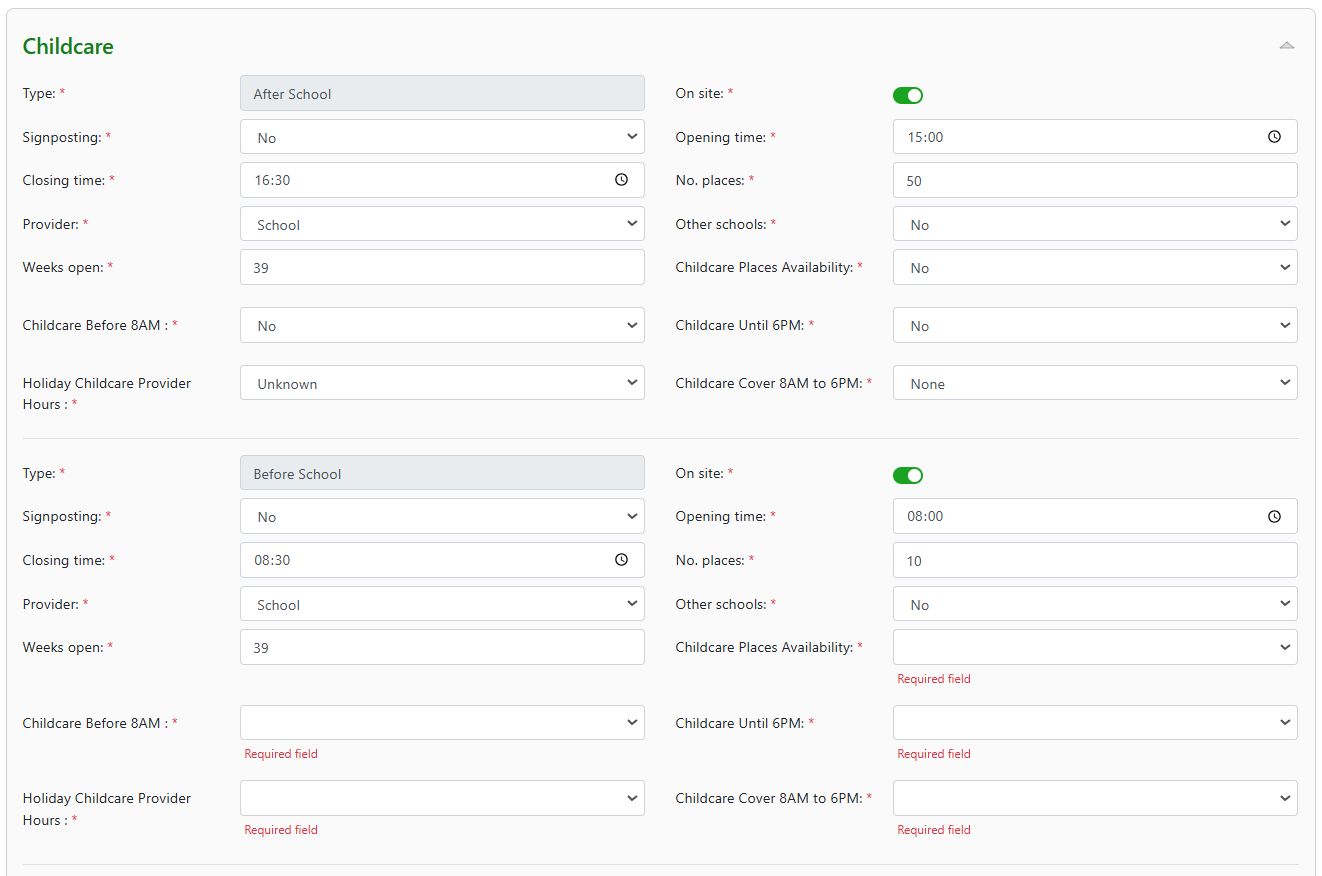
Childcare provision: After and before school:
Childcare provision: Holiday and Under five:

For further guidance please refer to MIS settings guide.
Checking Admission status
People > Admissions. On the admissions listing page set the admission status filter to 'all', unhide the admission status column from 'Options' and then sort by the rightmost column.
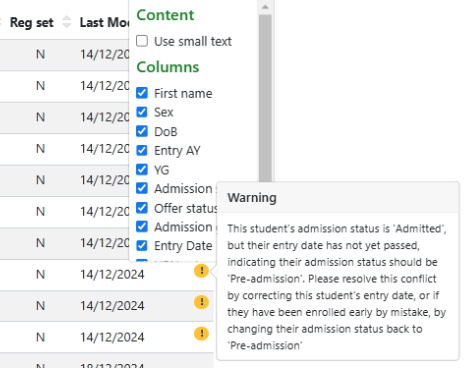
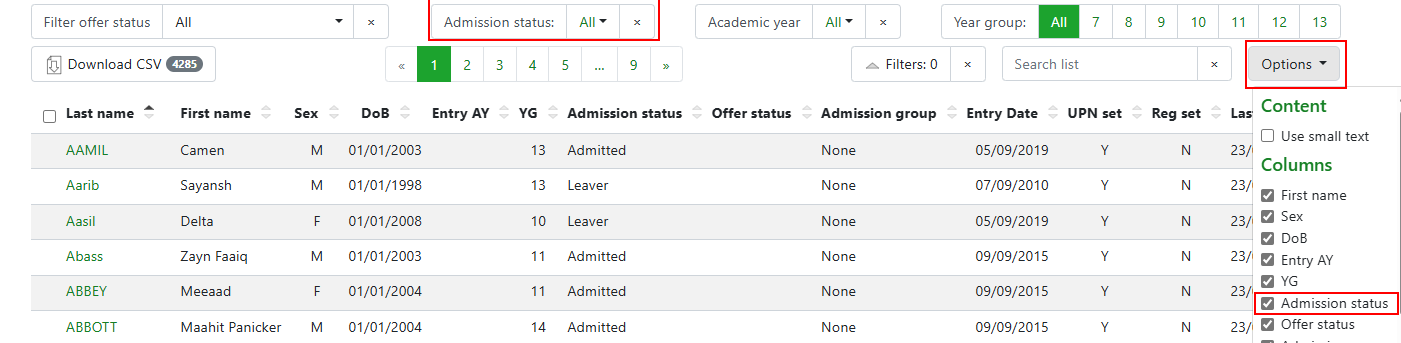 Any students with issues relating to their admission will be flagged so can be resolved:
ULN's
ULN's need to be imported from the LRS (Learner records service) into the MIS for all learners over the age of 14. Use the Inspect validation page to review missing ULNs. Once the validation page summary is available and showing missing ULN's the solution information will display to guide you through the process of downloading UPN's to add to LRS via a CTF to then upload the CTF containing the ULN into the MIS.
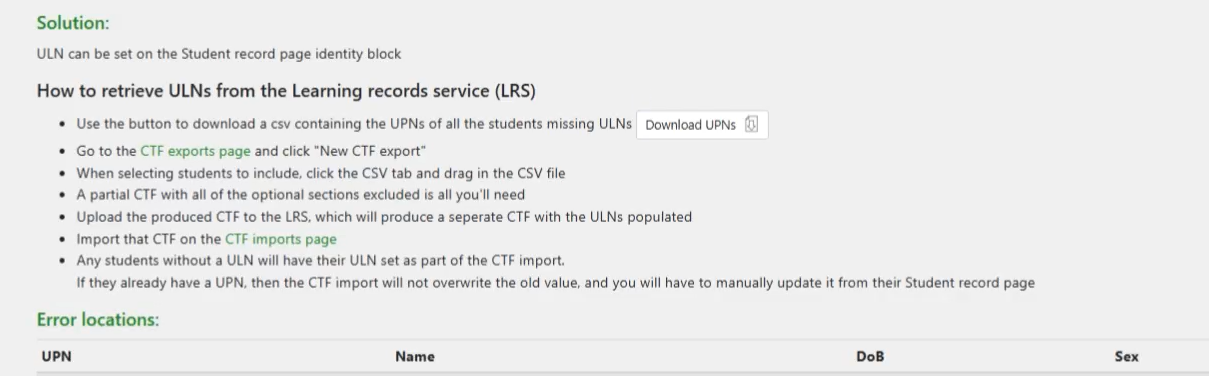
Use the Download UPN button for a .csv file of UPNs that can be uploaded to the CTF Export page after creating a new CTF export:
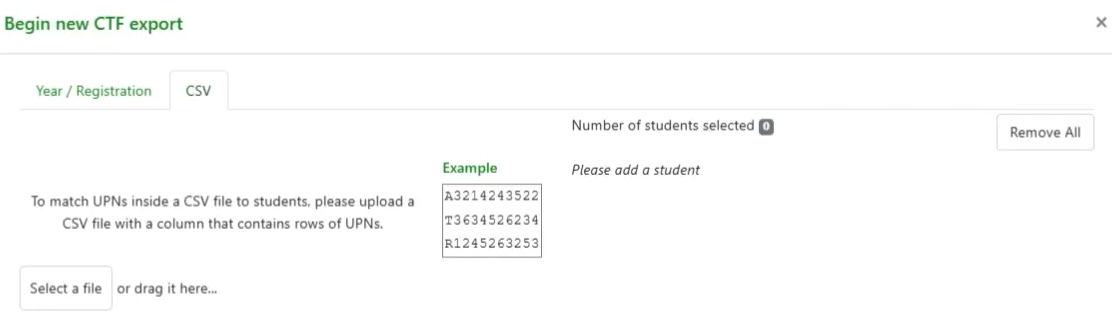
Deselect all sections from the export:
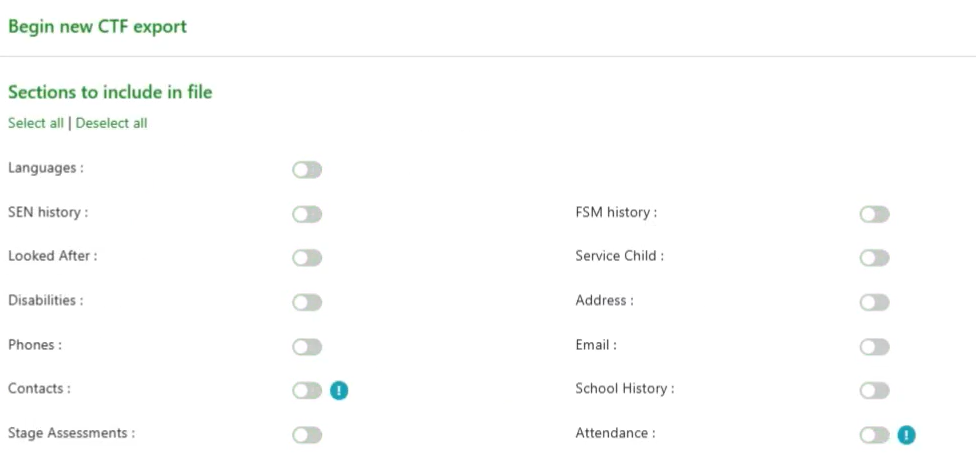
Upload the CTF to LRS and a CTF will be returned that can be uploaded to the MIS. The ULN will only be added to students who do not have an existing ULN.
Classes
Check for students that are on roll but not in classes by reviewing latest admissions and checking the Curriculum area of the student record page where group memberships are listed.
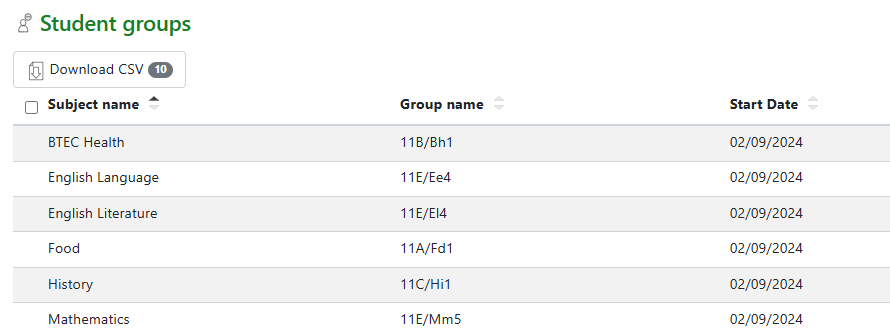
Groups and support staff counts
Check for TA's with groups to be included in the census count. Go to Curriculum > Groups and open the specific group required. A group can be removed from the census by checking the toggle 'on'. If a member of support staff is present with the group add the number so this can be included in the support staff count at the time of the census.

Missing session attendance marks
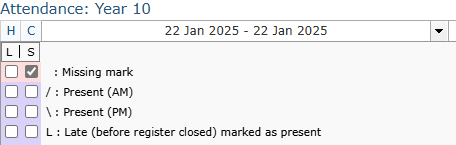
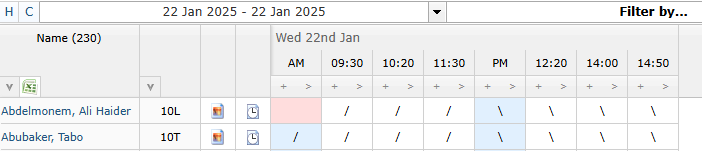
Any missing session marks will show as error 2531 and will need adding to the register for the student. To fix this go to the session attendance status page:
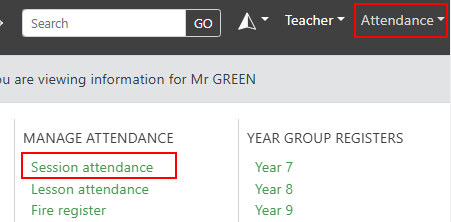
Change the date range filter to match the dates required for attendance marks captured in the census and then review the list of unstarted and partially complete registers.
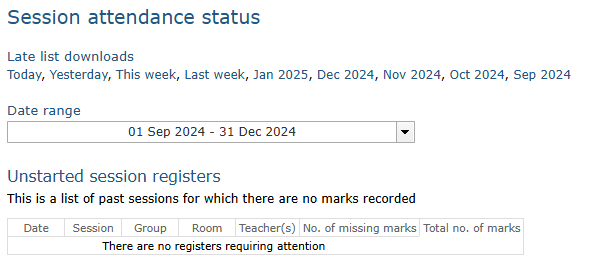
Links to registers and the tools to highlight missing marks in registers can be used to more quickly identify the gaps.