Required permissions
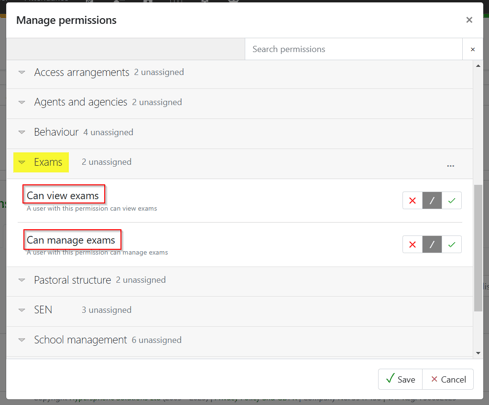
To view or generate an exams entry report you will need the following two permissions found under the Exams drop-down.
Generating an exams entry report
Curriculum> Exams > Entries report. Select the required season(s) and click on 'Next'.
Select the award(s), using the column sorting and/or search field, if required, and click on 'Next'.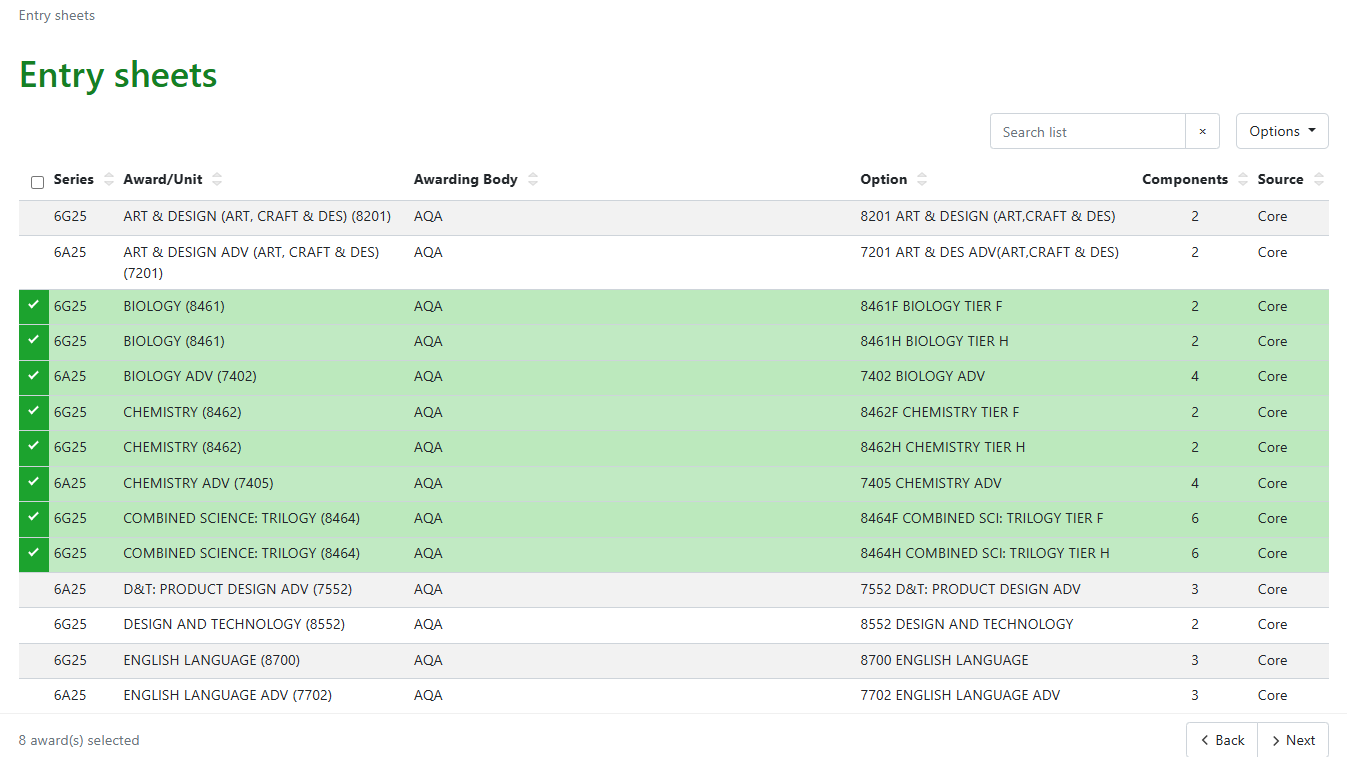
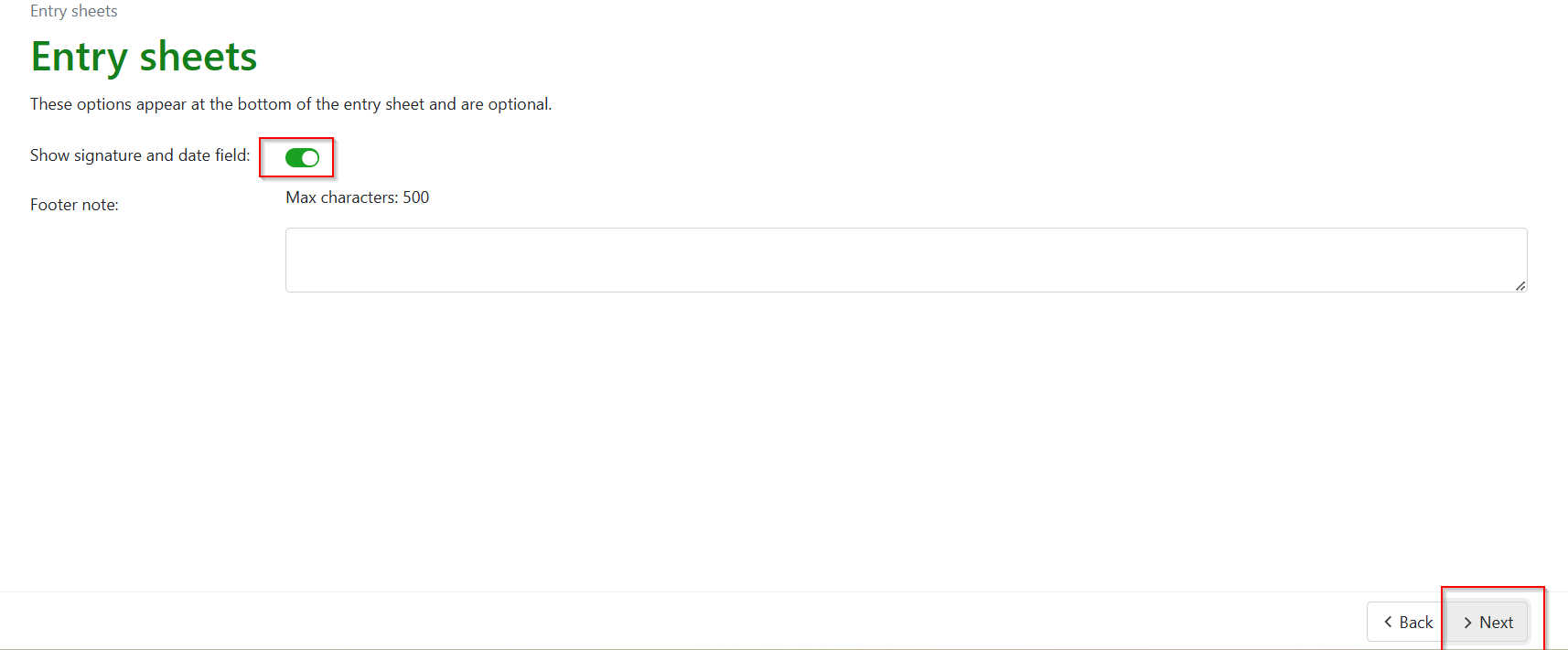
Use the toggle to add/remove a signature and date field. If text is added, the footer note will appear at the bottom of the Entry report regardless of whether a signature and date field are included. Click on 'Next'.
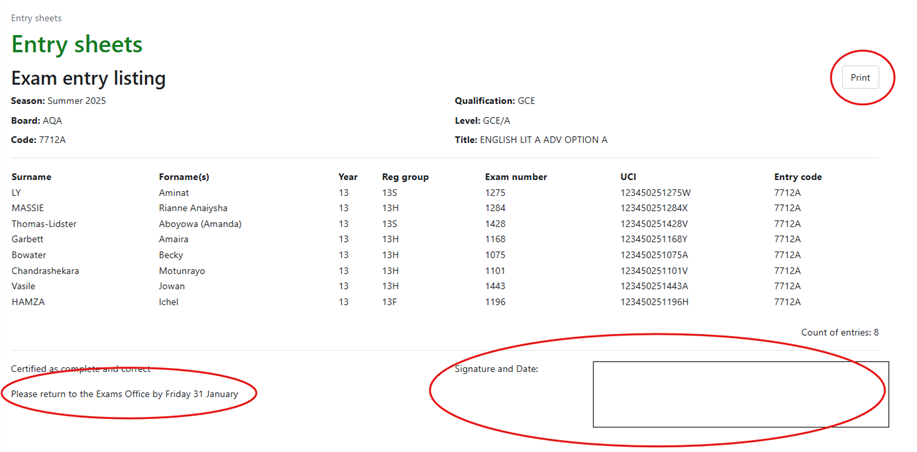
The reports can be printed from this screen.