
As Exam centres schools can accept external candidates once registered with JCQ. These External candidates can be added to the GO 4 Schools MIS to enable their exam entries and details to be managed alongside your home candidates.
Permissions
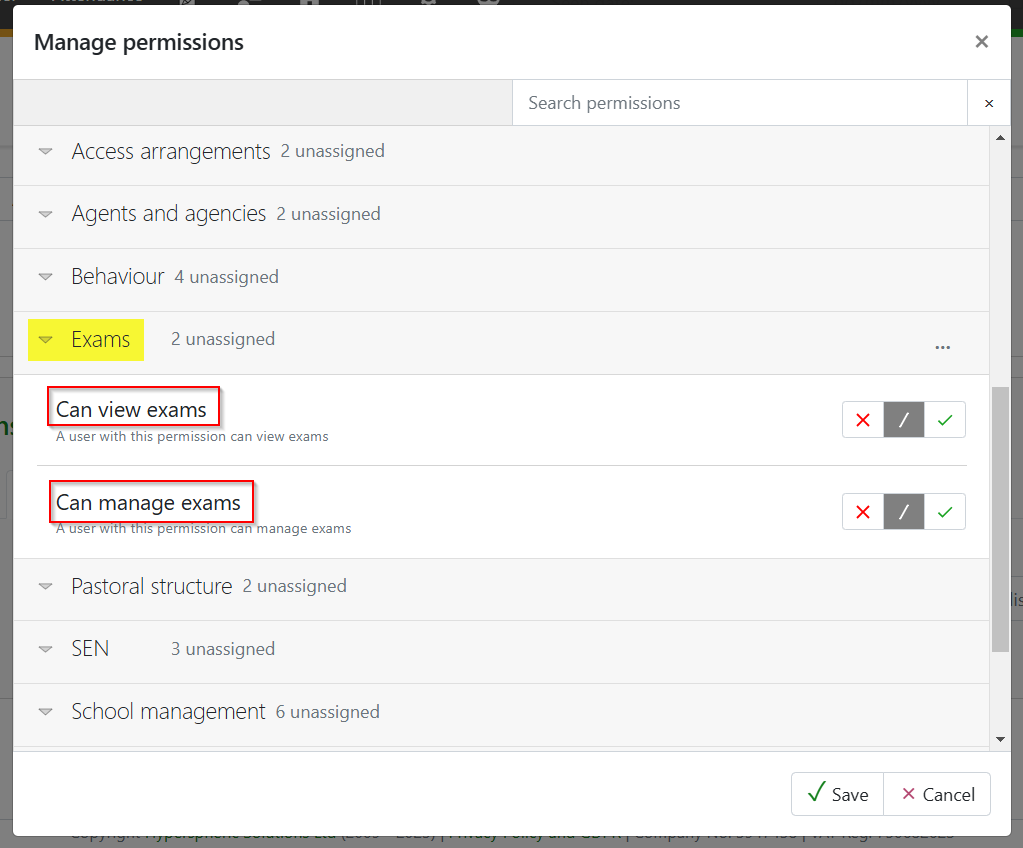
Permissions to manage and view Exams is required to add and set up External candidates in the exams management module.
Adding a private candidate
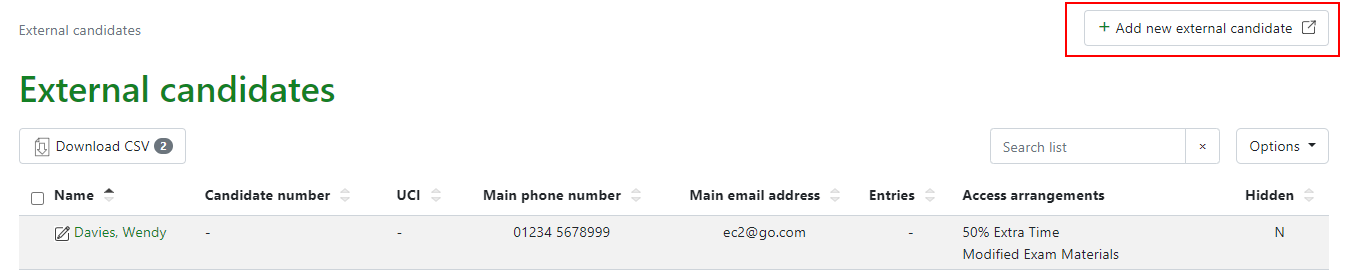
Go to Curriculum > Exams > External candidates to access the page which will display key details for each student added. Select +Add a new external candidate:
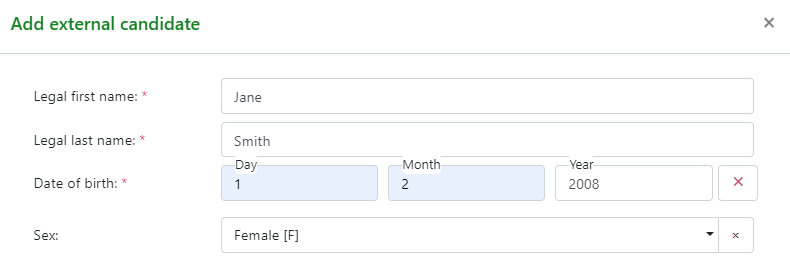
A modal will require key basic information to set up a stub student record including first name, surname, Date of Birth and Sex.
When OK is clicked the page will open in a new shortened version of a student record page with has options to add more details including the legal names UCI and candidate numbers if known.
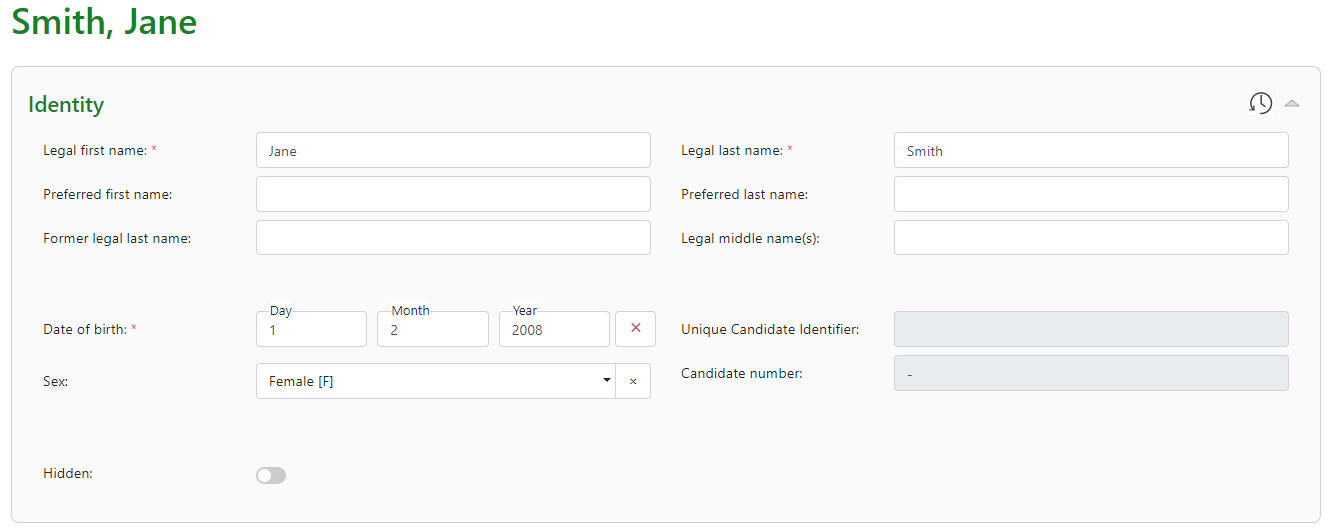
The student’s contact details can be added to the student record and access arrangements can be added. This displays on the external candidate record.
External candidates can now be added to exam seasons and their entries and exams managed alongside home students.