The GO 4 Schools MIS has system settings that support functionality offered across the MIS. This is accessed via Settings > School settings & contact details, from this page a number of tabs are visible to set up the MIS.
Permissions
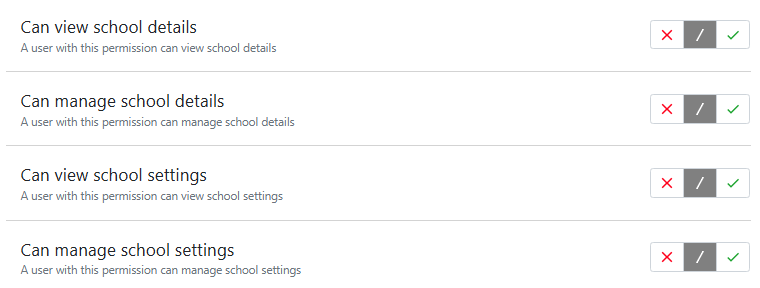
To manage settings in the MIS users will need permissions under 'Schools management':
School details
Basic school details are completed by our customer services team when a school subscribes to the MIS, this includes some key information for schools in England, i.e. the school’s unique reference number and exam centre number.
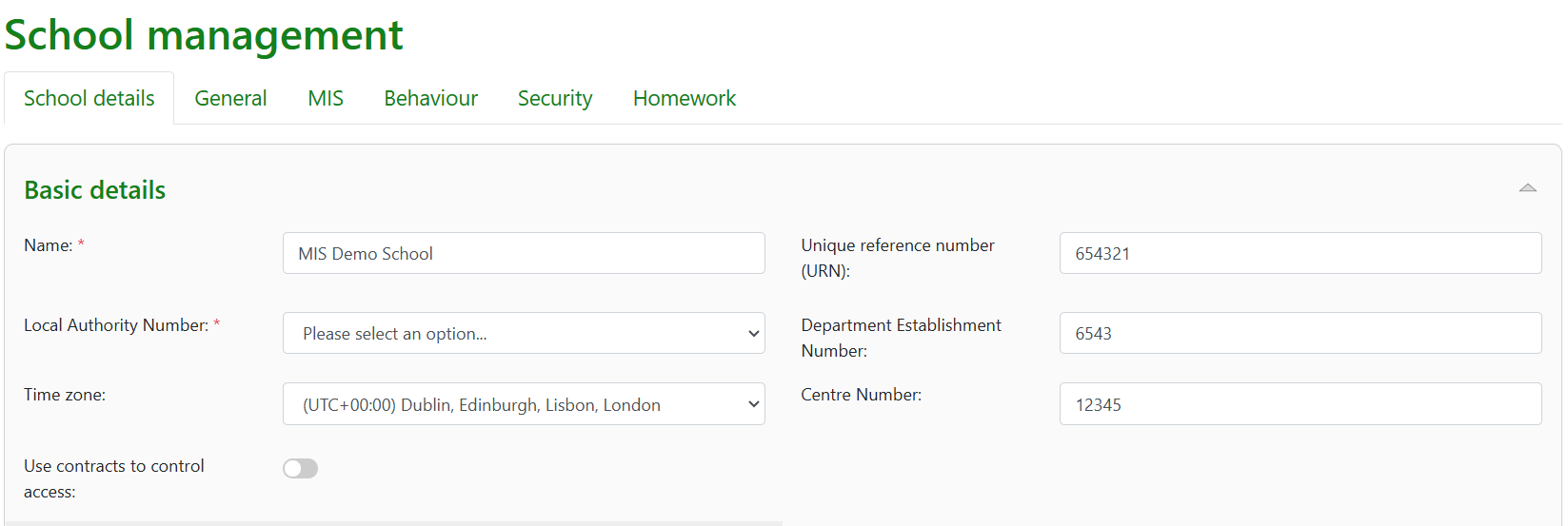
A setting allows staff access to be controlled by the presence of a staff contract in the MIS, if your school HR is managed outside the MIS then this should be disabled.
Logos and contact details
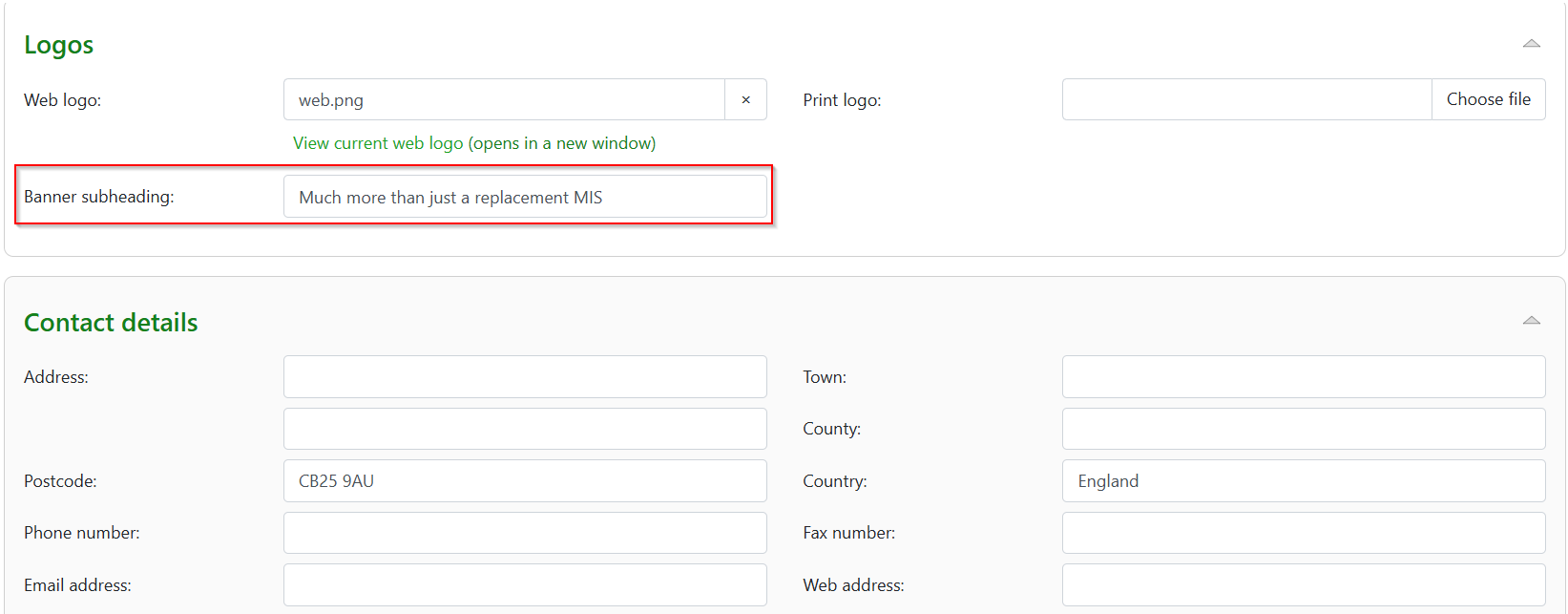
This is added by customer services to include your school logo on the site and also for school reports. A subheading ‘ tag phrase’ can be added.
Contact details are the school’s full address and details are added by customer services.
School characteristics
This includes the phase and school type that are required for the school annual census return. Details for this can be added by the school but initially asked for by customer services.

Childcare
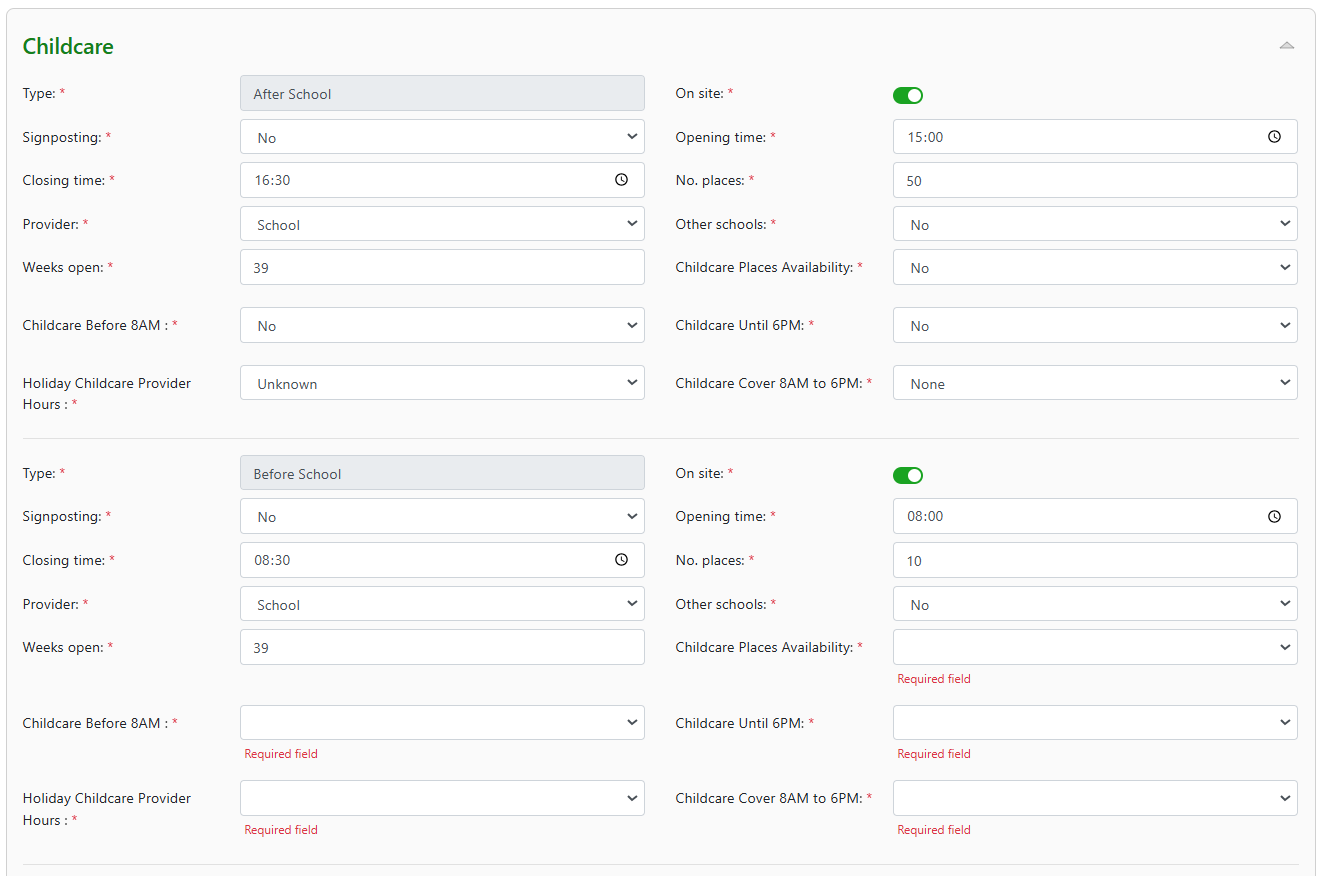
Initially entered by customer services but can be changed by schools that have childcare provision onsite. This includes after or before school provision, holiday provision and childcare for under-fives.
Childcare provision: After and before school - Required fields not completed will be highlighted:
Childcare provision: Holiday and Under five:

General tab:
CAT data
Select default display for data.

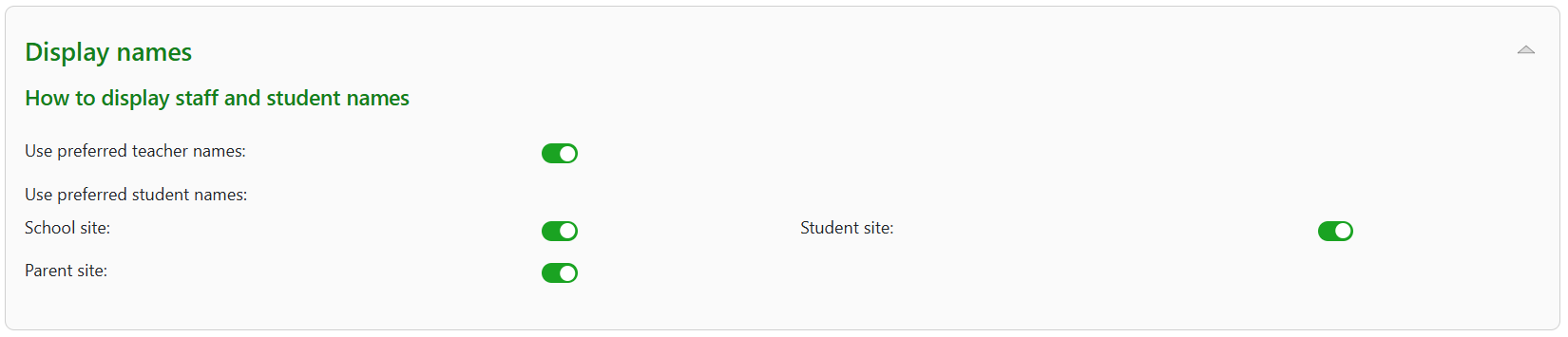
Display names
Schools can control the display of preferred or legal teacher/student names across the school, parent and student sites by customising the settings. Disabling the toggles means the legal name will be displayed on the corresponding sites.
Parental contact details
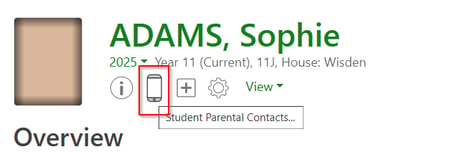
Enable visibility of parent contact details to staff on the student page and across attendance pages.

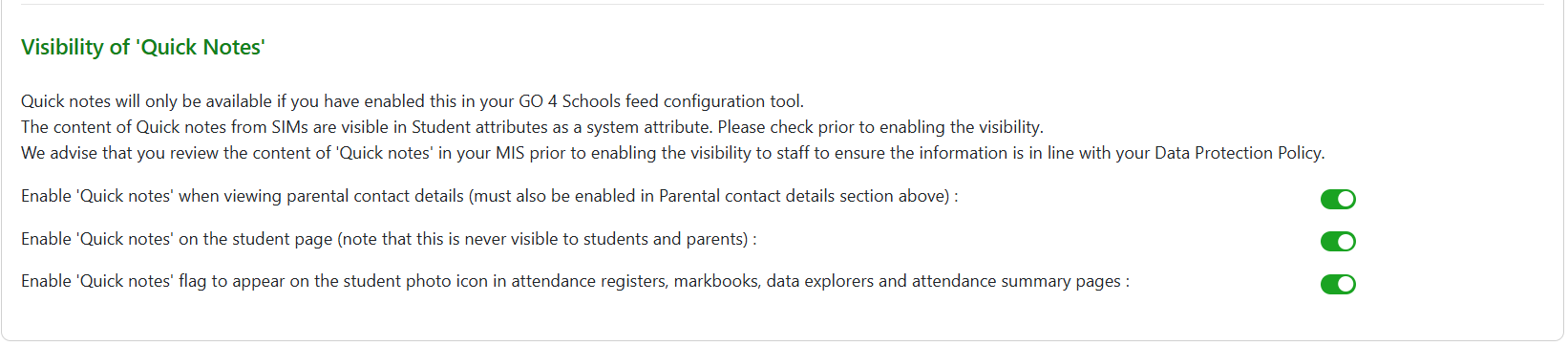
Quick notes
Control the display of quicknotes added to the student record page.
Documents
Settings to allow parents and or students to download documents.
MIS Tab
Visibility of Student record page fields
Options to be used by schools that do not require fields used in the DfE statutory census returns. Using a toggle to disable data fields will remove them from view on the Student record.

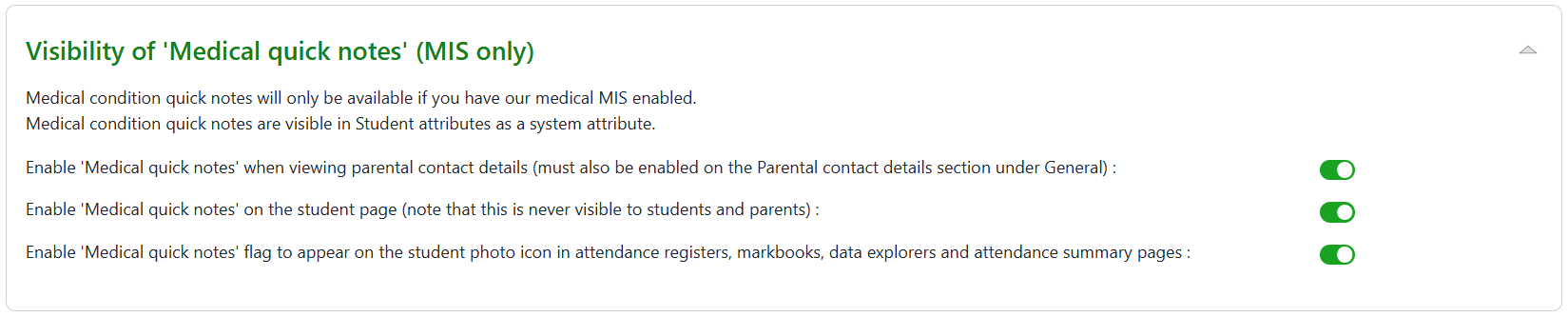
Visibility of medical quicknotes
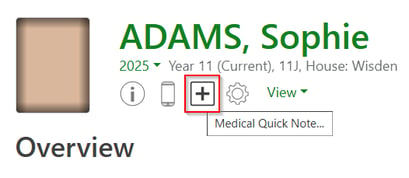
Control the display of medical notes added to medical sections of GO MIS. (See guide on Medical conditions). Please note medical tracking will need to be enabled within the MIS.
Post 16 - Courses
Default times for planned learning hours for A’level courses and T levels, with planned employability, enrichment and pastoral hours. When hours are added this will be used by default to calculate individual students planned learning hours in post-16 provision.

Individual hours can be edited at course/student level.
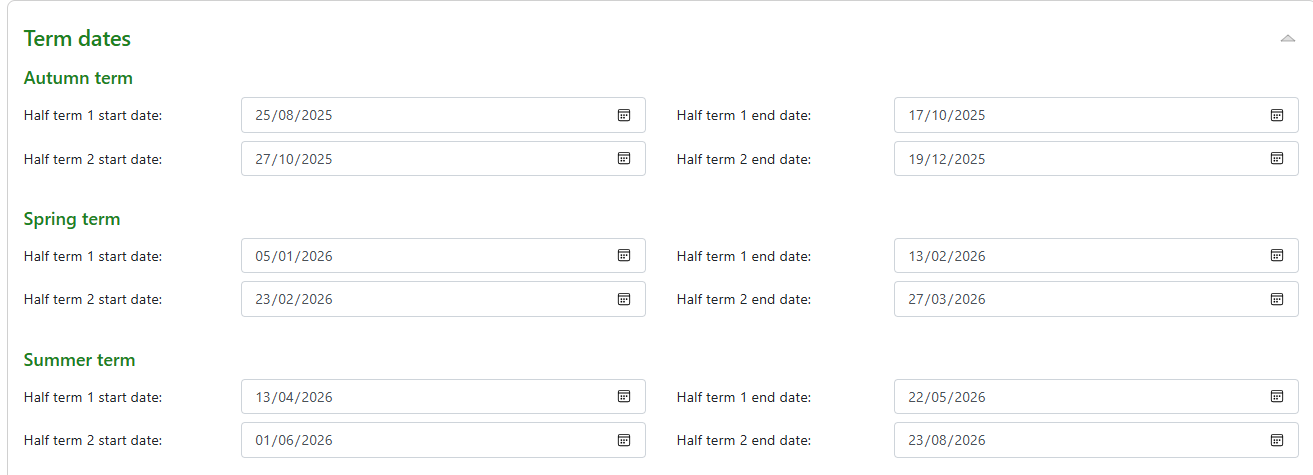
Term dates
Add term dates to the MIS, this is used in the Suspension/Exclusion statistics to ensure the view of the data is correct.
Behaviour and Homework tabs
Settings to control management of behaviour and outputs in the MIS. Please refer to the behaviour managers guide for more information.
Settings to set control homework and tracking requirements for tasks set. Please refer to the Homework guide for further information.
Security tab: Access control
Important settings that places an embargo GO 4 Schools modules for all staff during examinations.
This ensures the security of the examination data.

Authentication
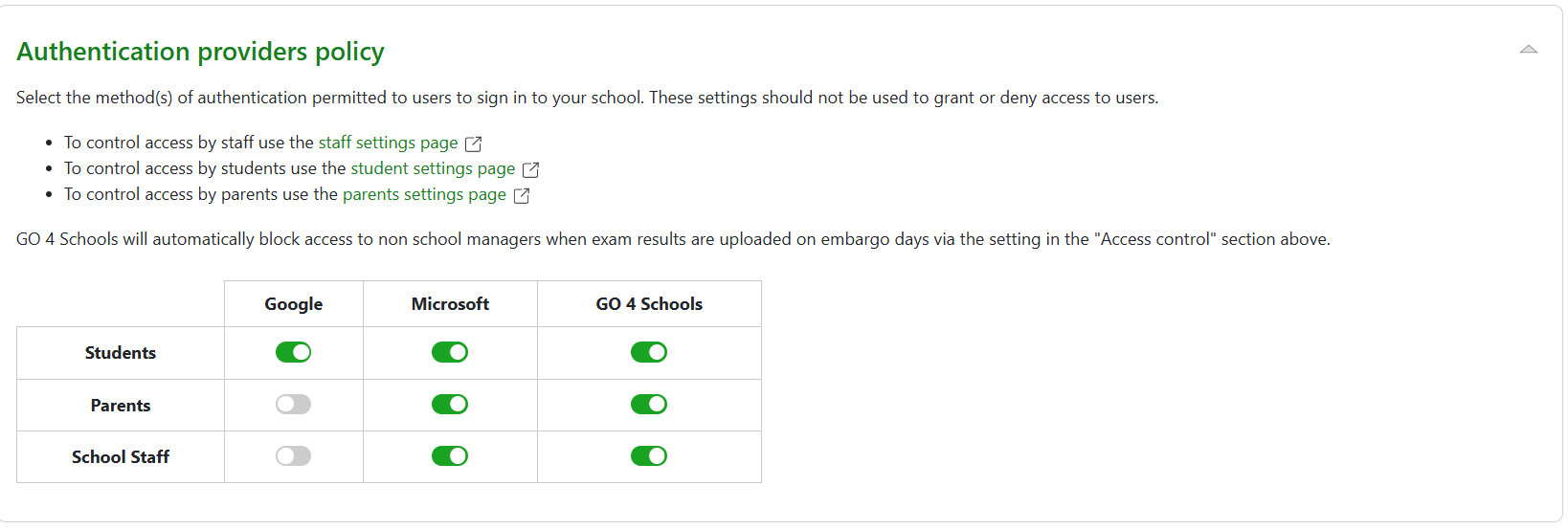
Settings for authentication for specific providers and links to manage access for staff, students and parents to GO 4 Schools sites.
If you are a google school you wouldn’t need Microsoft for the students/staff, and vice versa.
You should enable all for parents.
If you have the mobile app, you need to have GO 4 Schools enabled, but if not, you can safely only allow that for parents (who may not have a Microsoft/Google account).
Session expiry policy
Specify whether users are required to re-authenticate after 70 minutes of inactivity based upon the method of authentication.

Password expiry
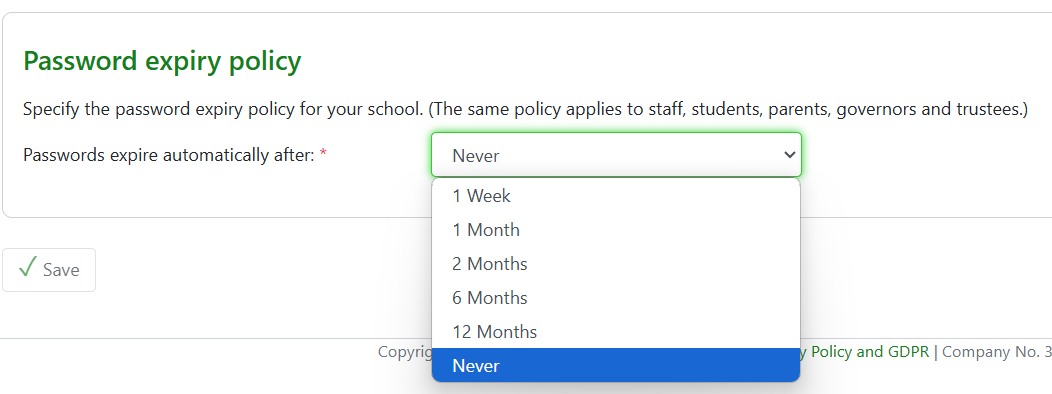
Set requirement for staff to reset passwords to access GO 4 Schools.