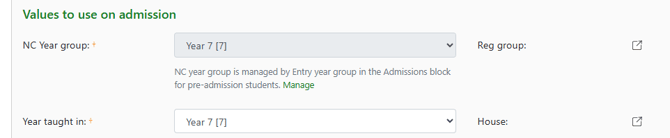
Registration groups and tutorial groups are set up as Pastoral management groups in the GO 4 Schools MIS. These are set up and managed following the same process as curriculum based courses and groups.
Permissions
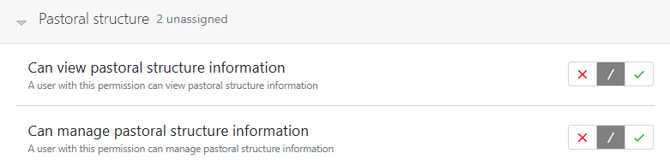
To manage pastoral groups users will require permissions under 'Pastoral structure' including can view and can manage pastoral information.
Setting up Pastoral groups
Go to Curriculum > Courses and then from the Courses page use the 'GO to..' button to access the menu for Registration courses and groups:
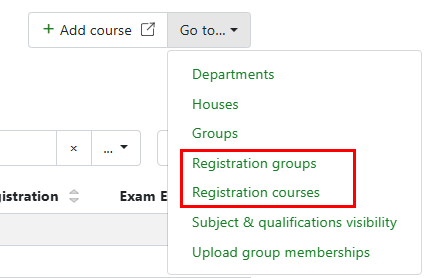
Select Registration courses to access the page to then '+Add course'. Add the details
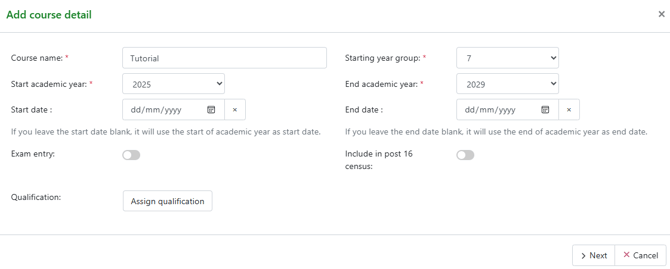
Select 'Next' and then add a Subject code, required for timetabling and add to a department. At this stage the subject can also be hidden from parents and students.
NB: If created over future academic years then departments will need to be create to add the subject to, see article Department set up and overview.
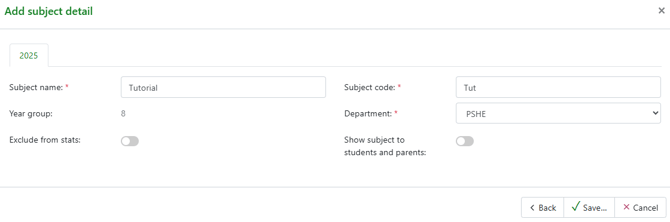
For vertical groups add to Year 7 and then populate the registration groups with students from each year group.
Adding students to pastoral groups
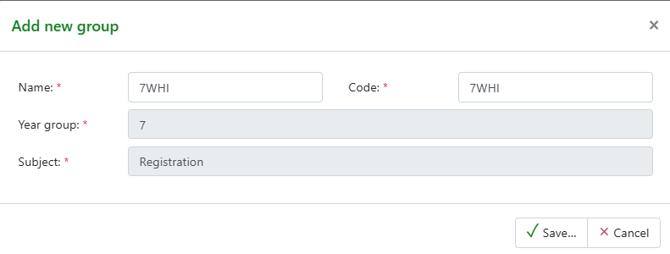
Groups can be added from the Pastoral course page or the Pastoral groups page by using the '+Add groups' link. 
Add details for the group.
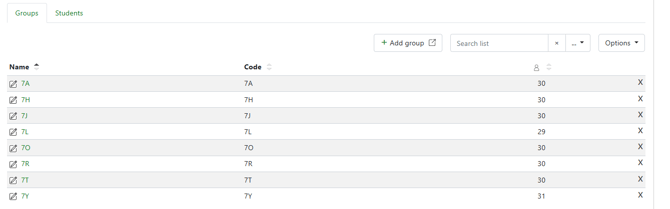
The groups will show in the course page each group name is a link that will take you to the pastoral group management page to populate with students:
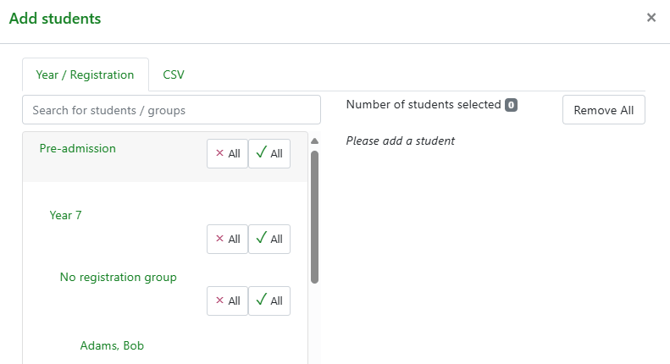
From the group page students can be added by selecting '+Add students' and then either using the student selector or the CSV upload using UPN. The selector can be expanded at each level to see any Pre-admission student with no registration groups.
Adding to registration group from the Student record page.
From the student record page the Student identity block has a link to add the student to a registration group, this link will take the user to the registration group management page.