
Required permissions
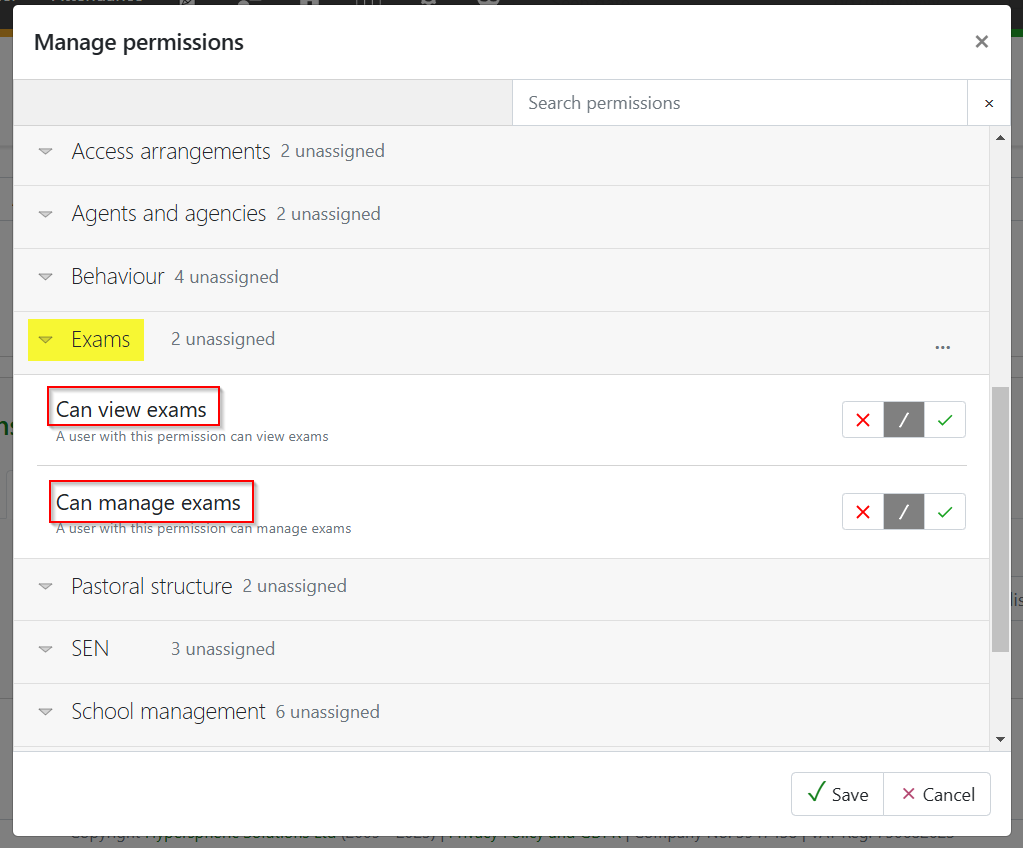
To view and upload centre basedata you will need the following two permissions found under the Exams drop-down.
Uploading basedata
Exam boards release basedata for some qualifications via their secure websites, e.g. Pearson BTECs. This means that GO 4 Schools cannot automatically import the files. Exams Officers should download the files and then upload them to GO 4 Schools in order to manage this series. This can be carried out via Curriculum > Exams > Exam Seasons
Select the exam series the file is relating to and then click on the Upload centre basedata link.

Extract the files from the exam board .ZIP file and drag and drop them in the top section. This will automatically populate the separate file sections (the Disallowed combinations file is not mandatory).
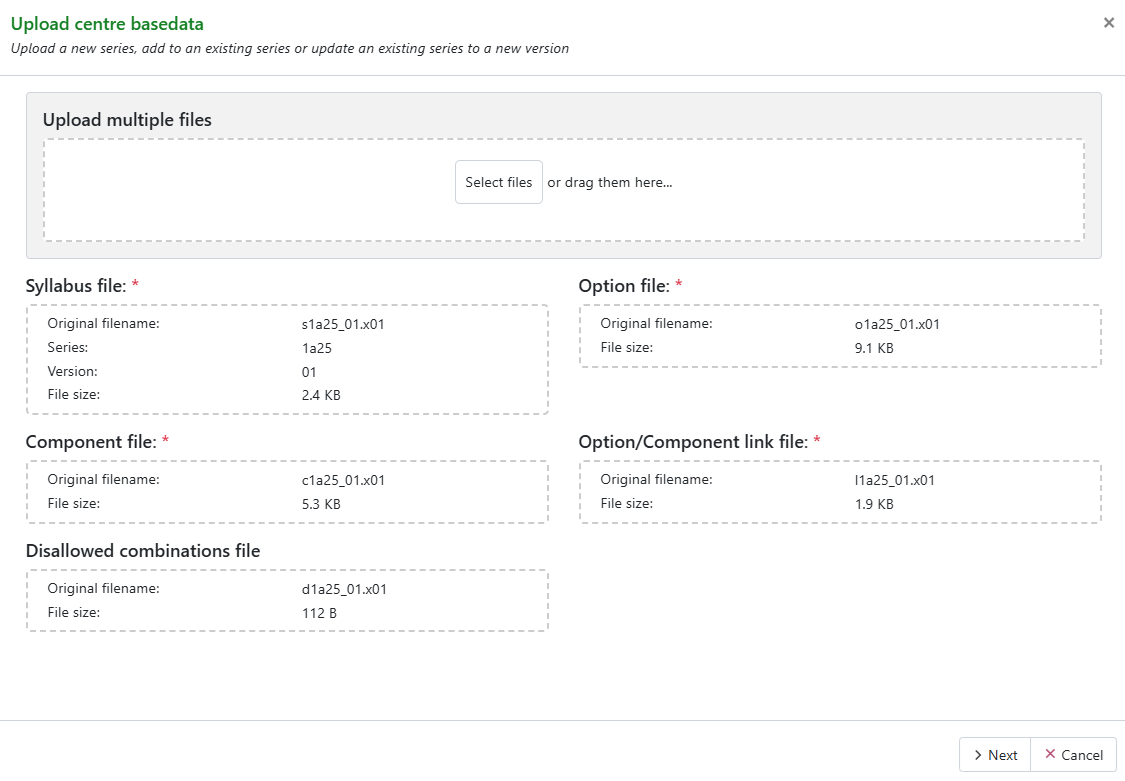 Click on Next to display the contents of the basedata files, eg.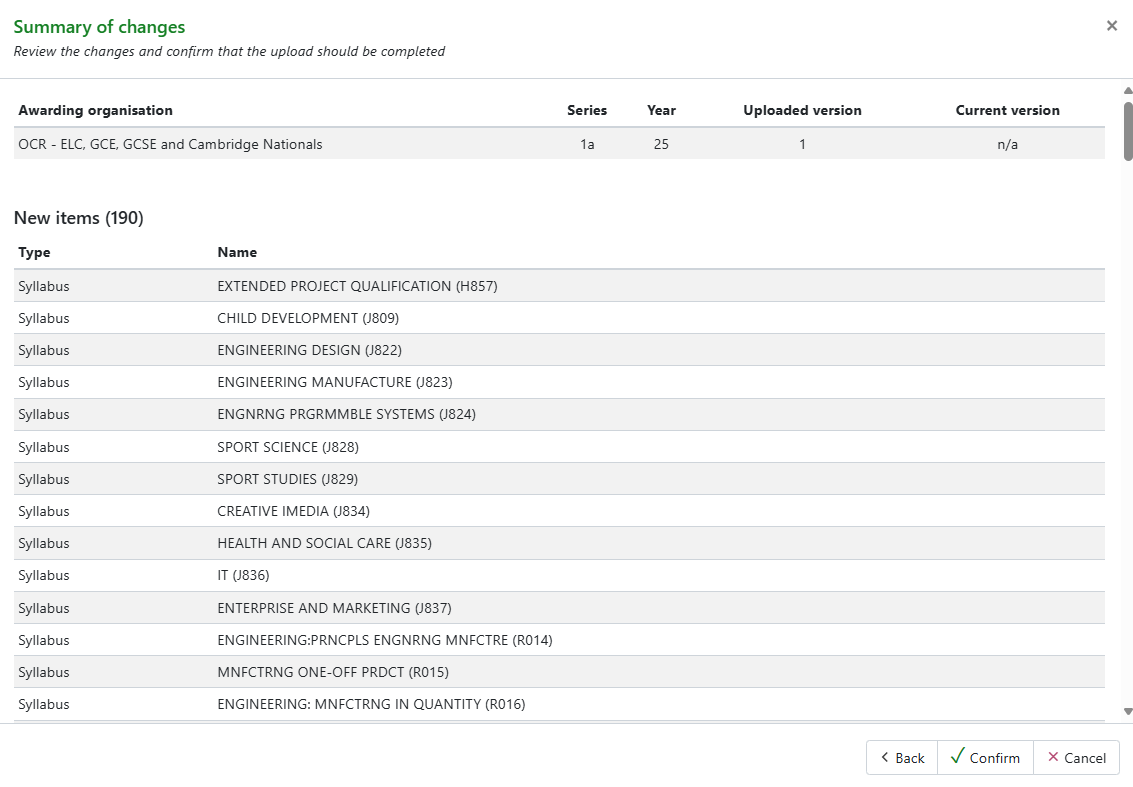
Click Confirm to complete the import process.
All awards/units contained in the file will be imported. If you would prefer to remove awards/units that will not have entries for the current season, click on the red cross in the Basedata tab.
Awards/units cannot be removed if there are associated entries.
Repeat the Upload centre basedata process if an updated version of the basedata is released by the exam board.