
Just as you can set the grade boundaries at a marksheet level by creating a customised grading scheme, you can do the same for individual assessments. You can access the tool to customise the grading scheme for an assessment by clicking the grading scheme editor next to the assessment:
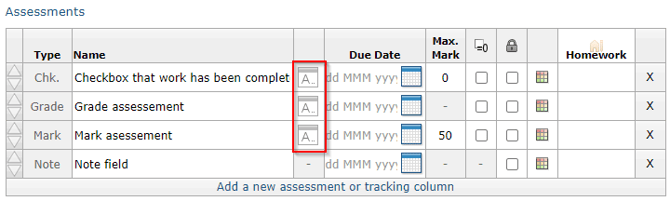 The editor is the same as the editor for marksheets, so the sections on Creating, Using a school-defined scheme, Creating from scratch, and Removing grading schemes also apply.
Note: If you have created a foundation grading scheme for the marksheet, you do not have to customise the grading schemes for individual assessments within the marksheet. In fact, you should avoid doing this, as it will result in marks being scaled twice.
Note: If you want to mix and match foundation and higher assessments within a marksheet, you should leave the marksheet grading scheme un-customised, and then customise the grading schemes for the specific assessments.