
To create detention sessions, detention managers need to go into the manage section of the behaviour menu:
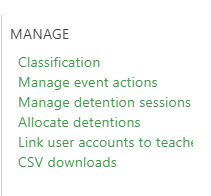
Once on the session management page, you can add new sessions at the bottom of the page. Select Add detention session to view the below dialogue box to complete details of the session:
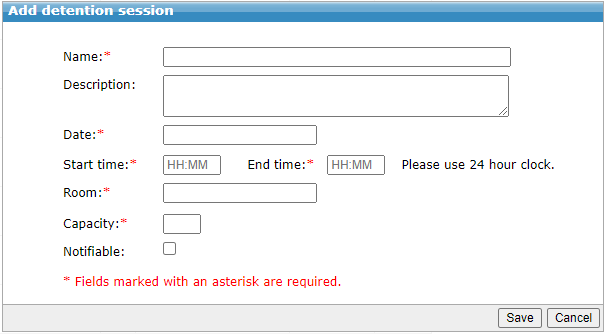 The Notifiable tick box will mark the detention as one which requires parents to be notified - if it is not selected, you will not be able to send notifications for that session. Once saved, the session will show in a timetable view to help with weekly planning of sessions.
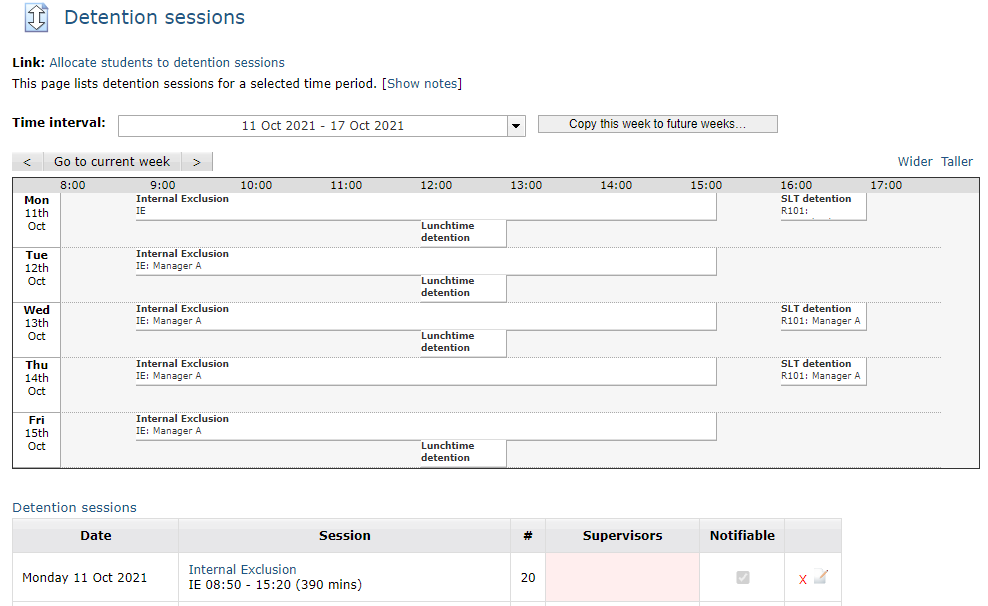 Supervisors can be added by clicking on the box in pink above. This will give you a list of staff to select as supervisors. You can add multiple supervisors to a session.