
Customised Reports Guidance
Reports are an important form of communication. We have created standard templates which most schools find excellent, with lots of flexibility at steps 4 and 5 to include information important to you. At times, standard templates may not meet your needs. As such, we offer the option of a custom template. This can be done in-school if you have XSLT coding skills. It is important to note that anything created in XSLT by schools is not supported by GO 4 Schools. We recommend and encourage schools to use standard templates to receive automatic updates or new features. Please consider carefully the benefits of a custom template over future-proofing your reports.
How do we help you do this?
All schools receive two hours of free development time for reports. Beyond this, development is charged at our standard hourly rate. Please see our Terms and Conditions for current rates. For effective use of the two hours of development, it is advisable to carefully consider your mock up as lots of small changes will quickly erode your development time.
Key Points
Reports can have…
-
School logo and other images
- Grades, report attributes and comments
- Attendance summary and chart
- Behaviour points total
- Report information from previous year
- Landscape
Reports can’t have…
- Marksheet or assessment data (unless setup via Populate attributes route)
- More than one comment per subject
How to create a mockup
From the Curriculum area, click on Manage under Reports and Snapshots. Then, click on Create a new report.
- Step 1 - Give the report a name. Put today’s date as the due date and select a year for the report.
- Step 2 - Highlight subjects that you would not expect to see on reports. Use the arrows to remove or add subjects.
- Step 3 - Students can be removed from reports if required. This is not necessary for the mockup.
- Step 4 - Decide if your reports will have comments and what length? Free text or comment banks? You can include report attributes if required. Report attributes are typically to do with things such as attitude to learning.
- Step 5 - Does the report need a description? What targets/grades does it need? You can include charts about behaviour and attendance. It is recommended that you repeat this step several times.
- Step 6 - Not required for the mock up. However, it is here where you will inform staff that the reports process has started. Finally, click on Create.
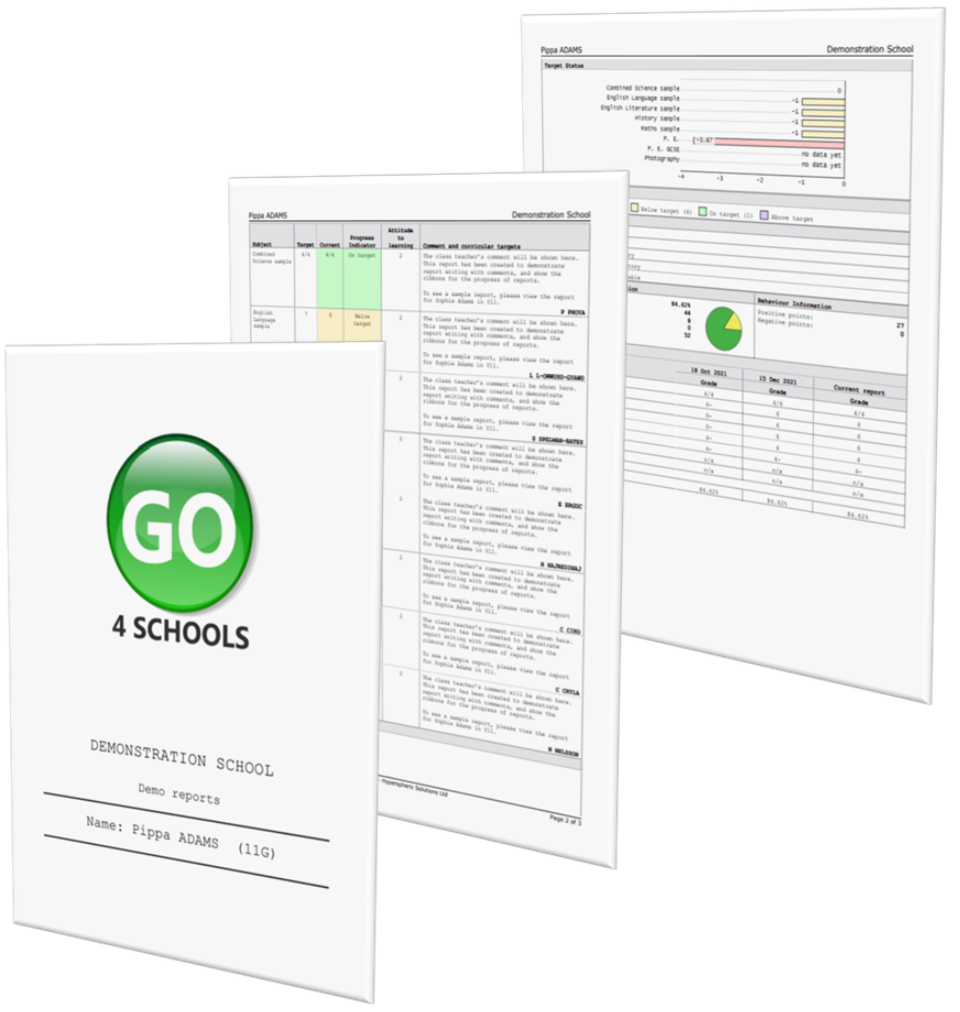
Once created, click on Preview and then View as a PDF. This is how your reports will look.
If you require more information, click back to report management. There you can edit the report.
To create the mockup, use a document editor (e.g. Paint or Word) to edit a screenshot of the standard report, or print and write on any changes you hope to make!
What happens next?
- We will review the mockup and advise you if any changes are not possible
- If the changes will take more than the two hours of free development time, this will be charged at our standard hourly developer rate. A purchase order will be required
- Once the requirements have been agreed, we will normally complete the template in the following 7 days (this may be longer for particularly complex templates)
- Once created, you can re-use your custom template as required. However, please note we are unable to update old, custom templates with new options and functionality as added to our standard template