To enable SMS functionality GO 4 Schools has partnered with Twilio, who provide communication solutions for developers. For this reason you will need to create an account at Twilio. This can be done while enabling the functionality, or in advance.
Setting up a Twilio account in advance
To create your Twilio account in advance, you need to go to https://www.twilio.com/, and click on the “Sign up” link in the top right:

We would recommend using a school level/shared email address (admin@schoolname.sch.uk). Once the form is complete, you’ll receive an email verification to validate your account, and once verified you’ll be asked for a contact number which can be used for two-factor authentication. The final step is Twilio asking questions about your use, where you should choose the option that you are connecting to a third party system.
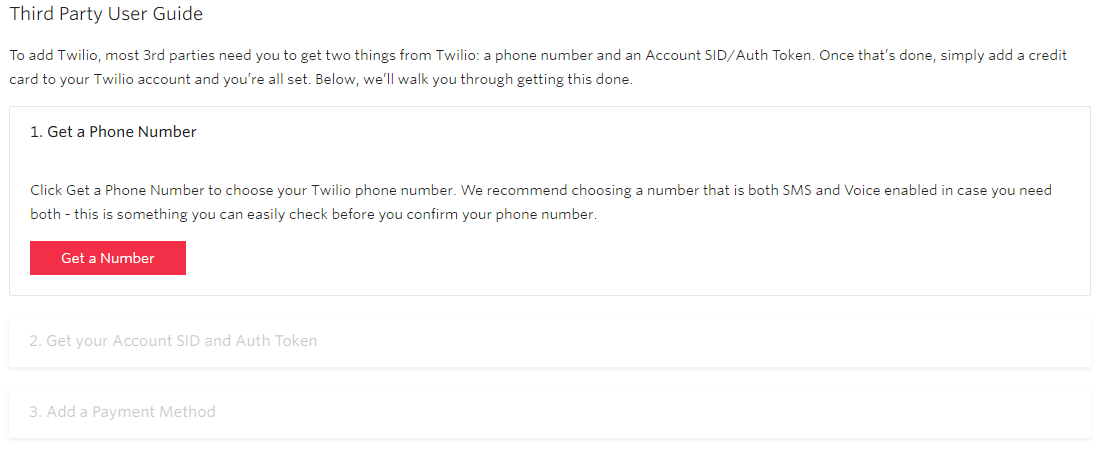
Once you are at your console, if you answered the set up questions that you are going to use Twilio for third-party use, there should be a “Third Party User Guide” showing, which will walk you through the set up of your account.
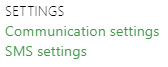
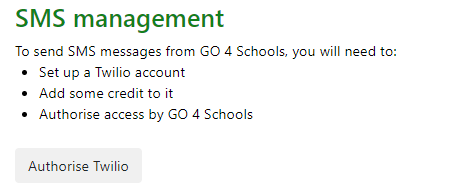
Once the Twilio account has been fully set up and funds added, you can return to GO 4 Schools and authorise the use of your new Twilio account for sending of SMS by browsing to SMS settings under the People menu, then clicking the Authorise Twilio button:
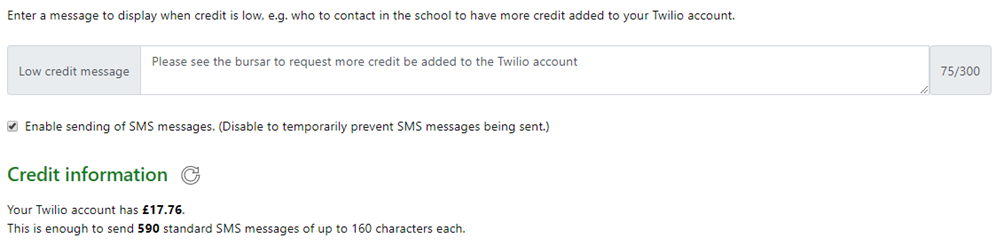
This will then take you to Twilio to authorise your existing account. Once authorised, you’ll be returned to GO 4 Schools, where you’ll need to enter a low credit message, and then enable the service:
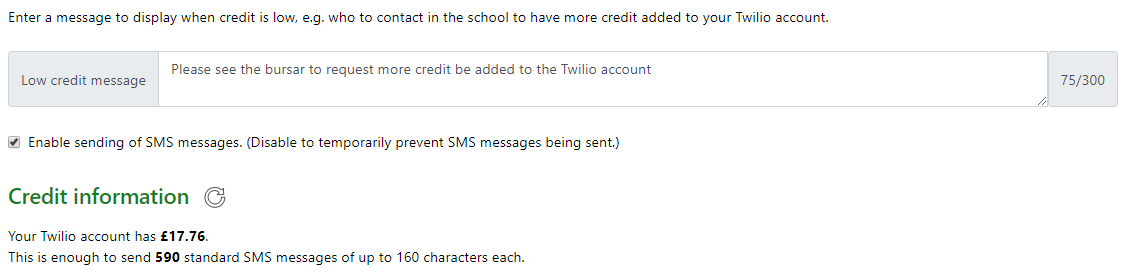
You’ll also notice the Authorise Twilio button has changed to My Account, this will allow you to get to the Twilio account management page from GO 4 Schools.
Setting up a Twilio account via GO 4 Schools
If you'd rather not create an account in advance, you can do so via the SMS management page as well. Browse to the SMS Settings page, and at the top of the page click the Authorise Twilio button:
This will take you to Twilio where you can create an account and authorise:
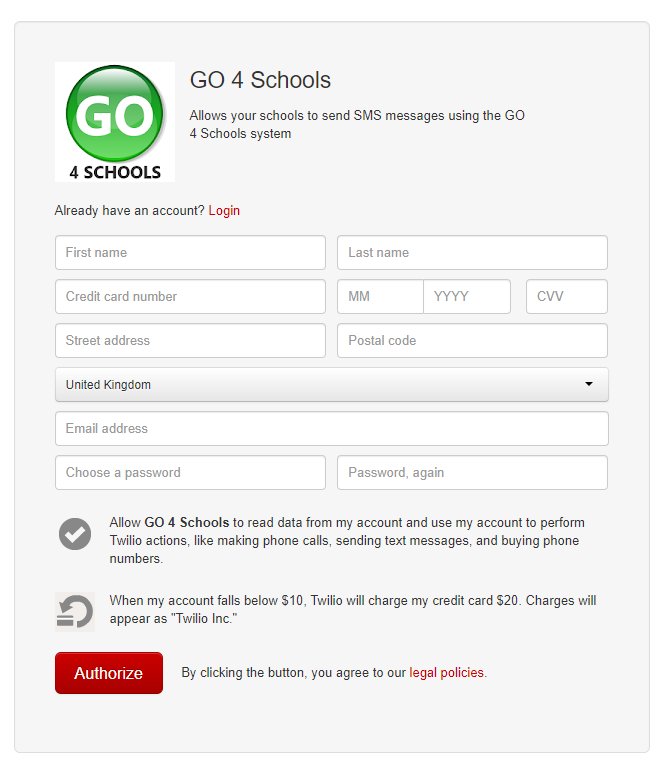
Once authorised, you’ll be returned to GO 4 Schools, where you’ll need to enter a low credit message, and then enable the service: