
If a student has received a behaviour event that carries a managed detention follow up type, but the student is unable to attend the detention, or it has been agreed that the student is otherwise not required to attend, you can mark the student as Not required to attend the detention:
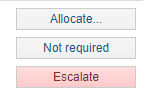
Clicking the button will provide you with a pop up to confirm that the student you want to flag as not required is correct:
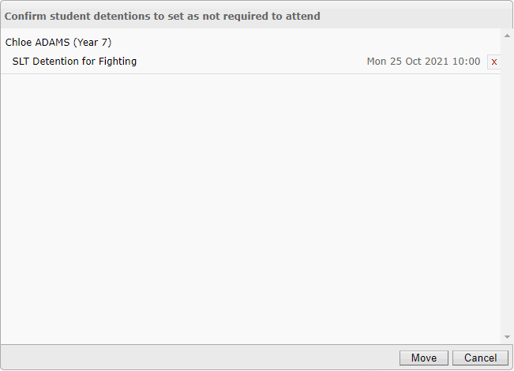
Clicking Move here will then move the student to the Not required tab on the detention allocation screen:
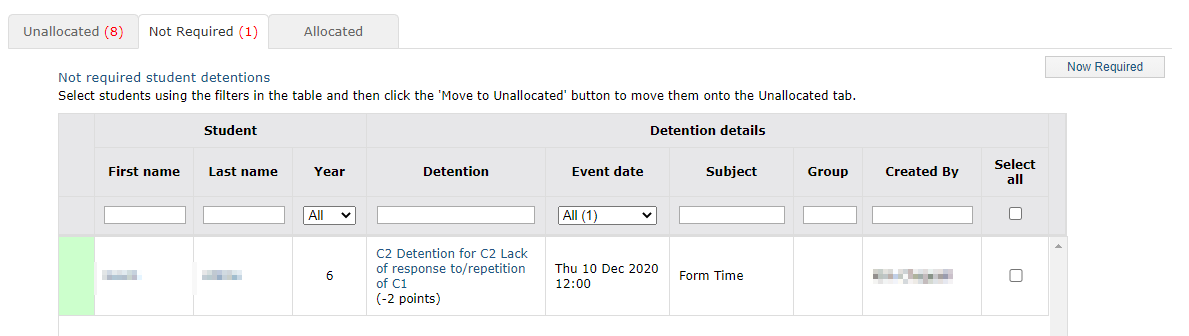
From this screen, if it is later decided the student does need to serve the detention, you can flag them and use the Now Required button to put them back into the allocation pool.