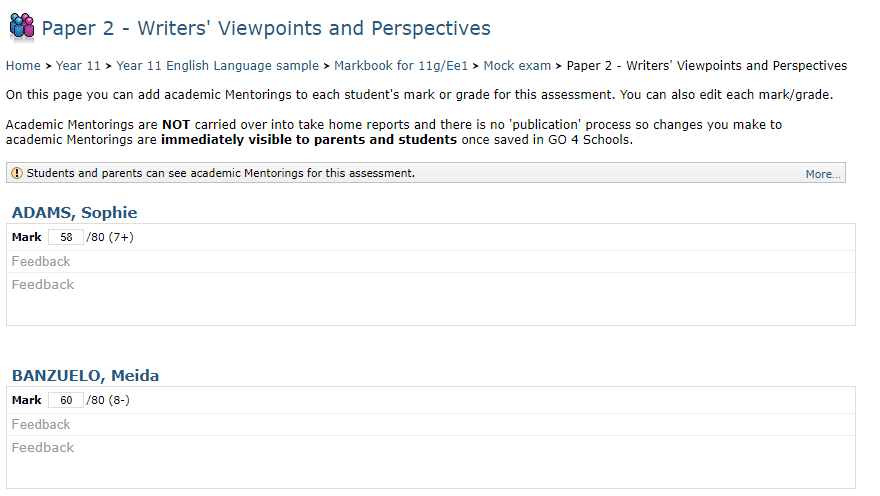
Formative assessments can be entered by teachers to add information to an assessment mark/grade in a markbook. This may be an explanation of how the grade was awarded, or advice for the student on how they can improve on this grade.
Enabling formative assessments
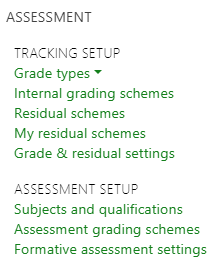
If you do not have formative assessments enabled, you'll need to enable them on the settings tab of contact details and settings, once enabled formative assessments are available under the Curriculum menu:
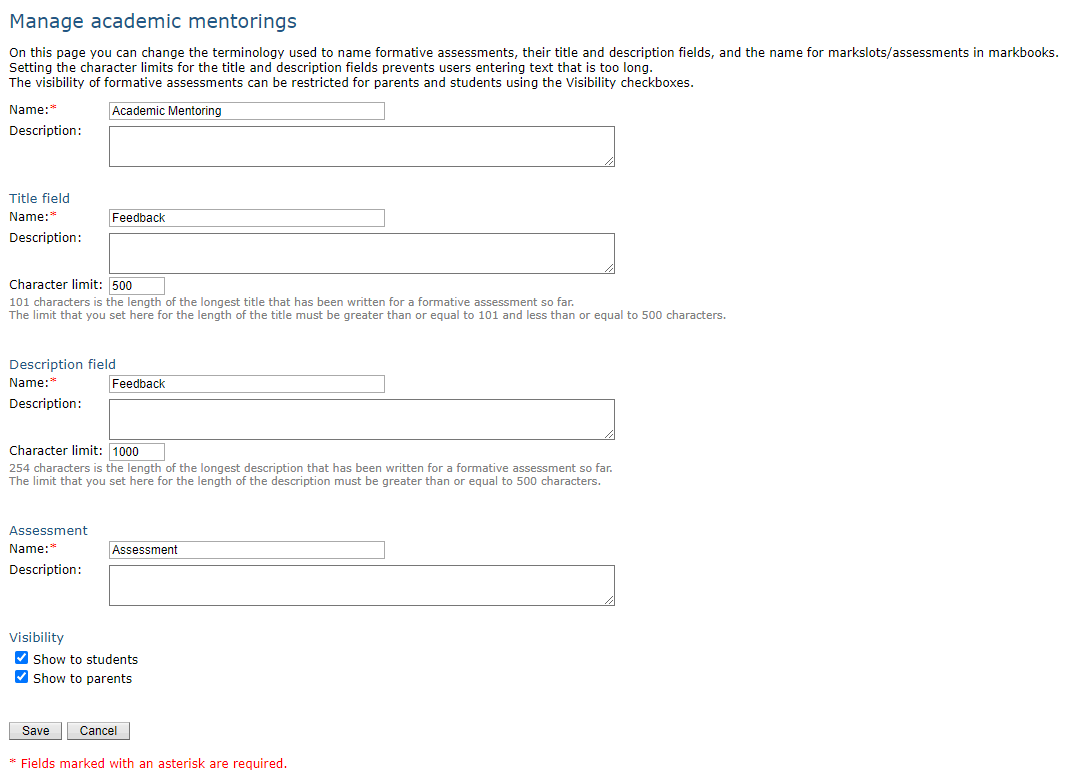
On the settings page, you can manage the language used for formative assessments. Your choices will be applied on a whole school basis. If you want students/parents to be able to see the formative assessments, you must enable them on this page as well.
 Once you have enabled formative assessments and set them up, you will notice two new columns on the subjects and qualifications page, which is available via the Curriculum menu:
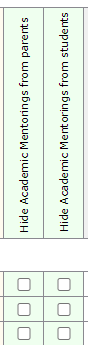
By default formative assessments will be hidden from both students and parents for all subjects. A school manager can untick the boxes as desired to show formative assessments for the subjects as needed. N.B. formative assessments may not appear for other reasons, e.g. the subject or marksheet has been hidden from students/parents.
Entering formative assessments
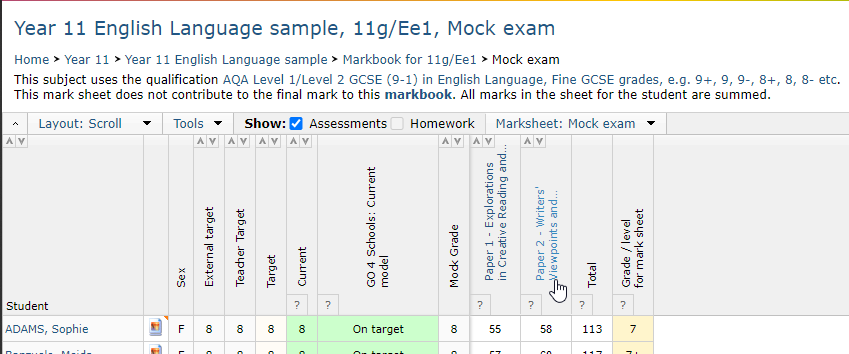
To enter formative assessments you need to click on the header of an assessment in a markbook:
This will take you to the mark/grade entry page, with formative assessments displayed to enter comments into: