
To give governors access to the governor dashboard, you need to create them accounts. The Governor access page is accessed via the People menu:
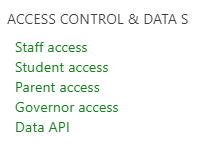
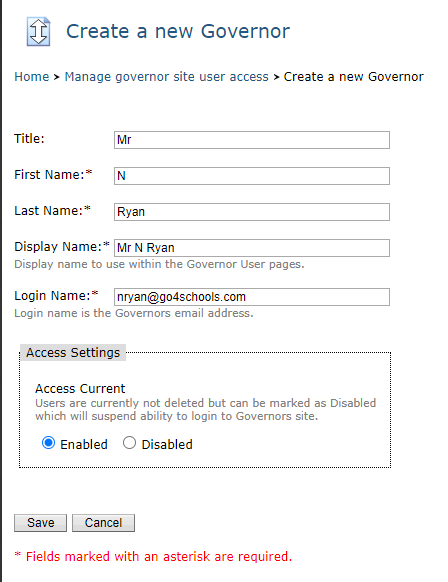
Once on the page a list of all of your existing governors is listed, and you can use the Edit Governor link to edit their details. To create a new governor, click the link Create new Governor. Complete the form shown with the user's details. Where the Login Name matches an email address which already exists as a user account in GO 4 Schools, the password will be automatically synchronised. In this scenario, and once enabled, the user will be able to login to the governor site with their existing credentials. The access settings take immediate effect, so any user can be enabled or disabled at any time. You will need to click Save to submit your changes.
Governors will need to access the site via the governor portal on the GO 4 Schools site. Unless the user account is known to GO 4 Schools, the user will need to request a password in the First time user? section of the login page. After entering their email address they'll be sent a link which will allow them to set a password.