
GO 4 Schools uses a verification code for secure login when using Microsoft and Google, users are only required to verify once and then do not need to repeat this exercise.
From the login screen in GO 4 Schools select your preferred method for logging in i.e. Google, Microsoft:
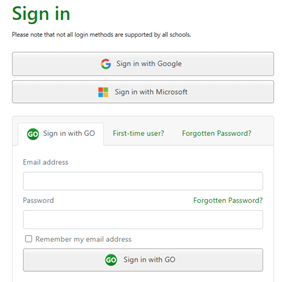
A message will tell users that an email with a verification code will be sent to the email address of their account. Please go to your inbox to find the email (please also check the junk folder if it doesn’t go straight to the inbox):
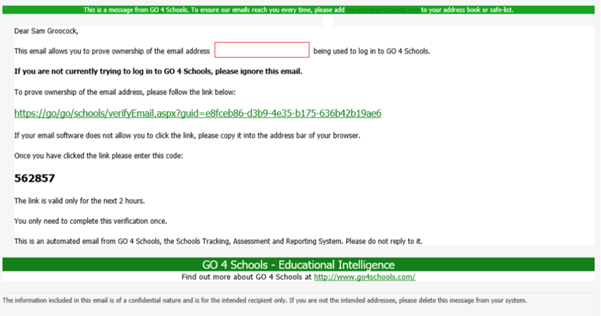
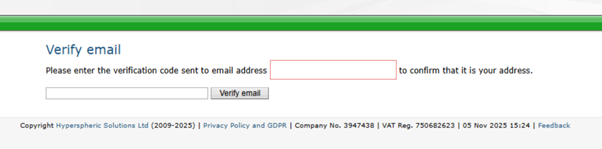
Select the link and the ‘Verify email’ page will display to enter the code provided. If an incorrect code is entered a message will display ‘Sorry the code is incorrect. Please check the email and try again’.
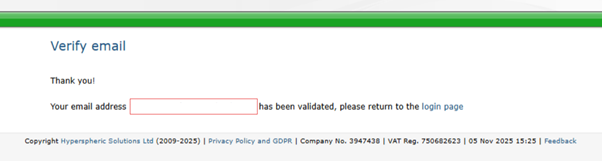
Once verified you can continue to the login page.
We will be making further improvements to shorten this process for users so the code can be entered during the logon process, rather than on a separate page.