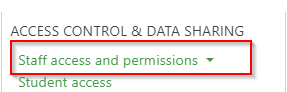
While applying roles across a group of staff is best handled using Roles and permissions managing individual user permissions can be done via the staff access page, which is available under the people menu, and selecting the top level option Staff access and permissions:
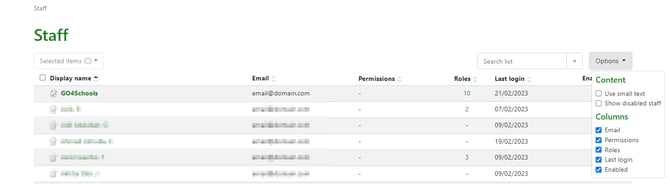
The access page allows for sorting, various viewing options, as well as searching for specific members of staff:
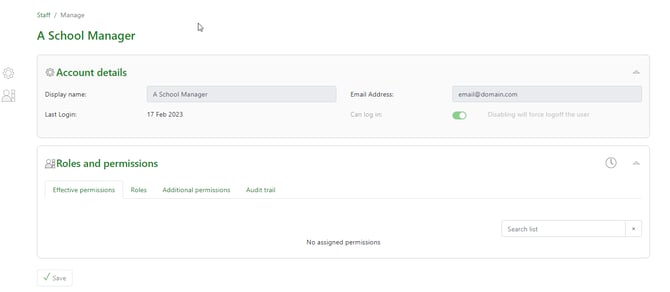
Clicking on a user's display name will allow you to manage their roles, permissions, and see an audit history of their permissions:
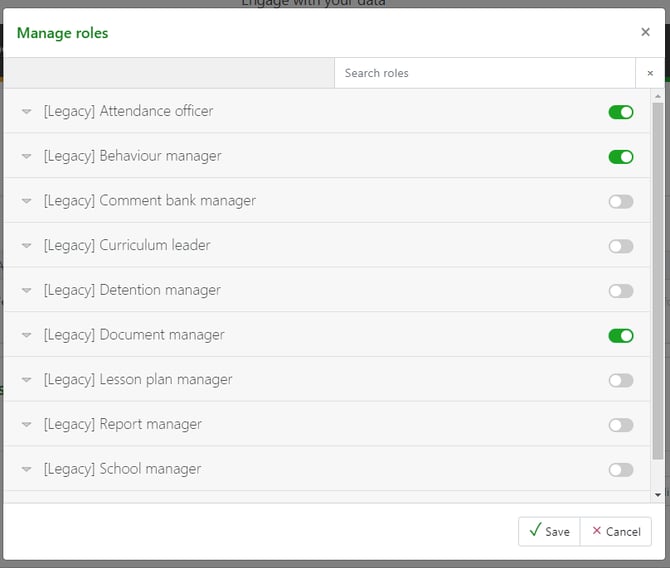
To assign legacy roles, or school specific roles, clicking on the Roles tab and then Manage allows you to assign the user roles by ticking the appropriate toggles:
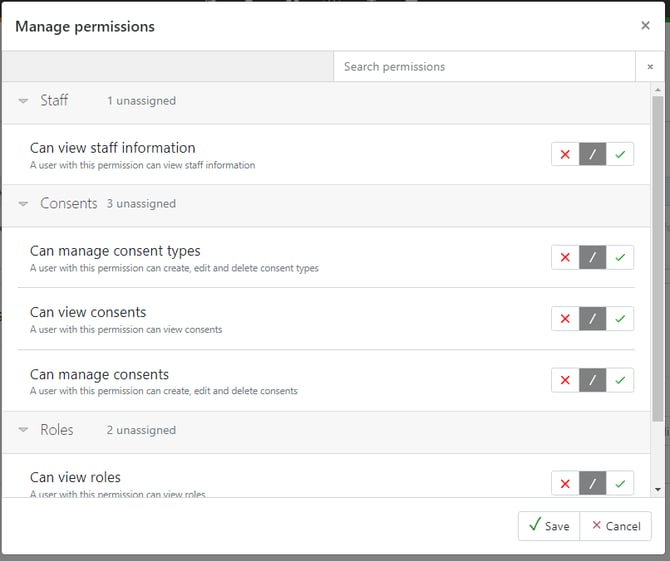
To assign individual permissions that are separate from pre-defined roles, using the Additional permissions tab and clicking on Manage will allow or deny specific permissions: