
You can view all homework that has been set for students in a year group by subject or teaching group via a “Gantt chart” view.
View Homework for a Subject
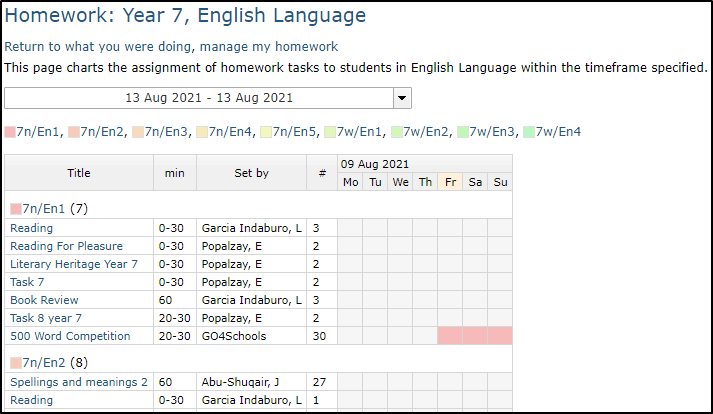
You should click on the view homework link at the top of the subject page to see homework for all students taking that subject in the chosen year group:
View Homework for a Teaching Group
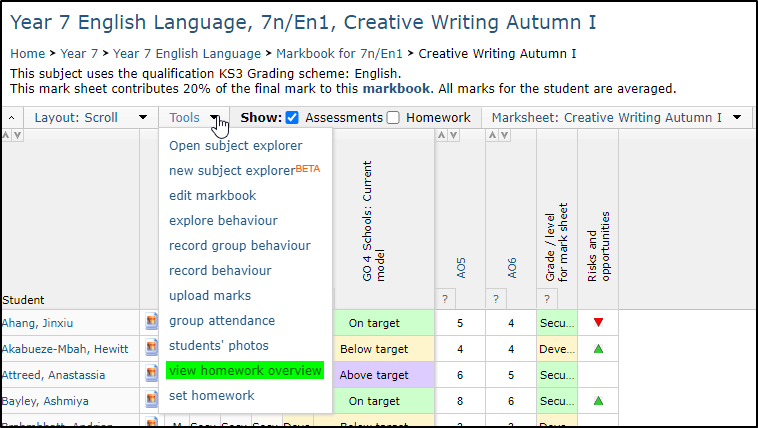
From the Tools menu in the marksheet, you can click the button view homework overview to allow you to see what homework has been set for this particular group and when it is due for completion.
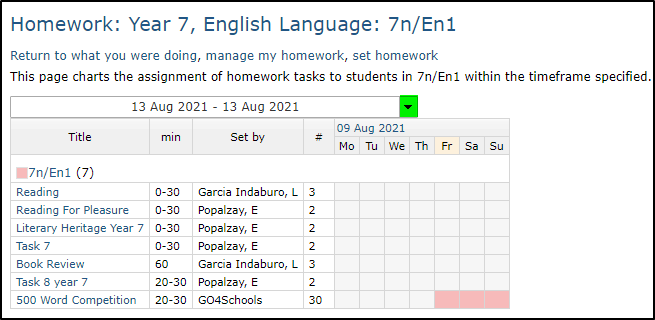
You can change the date range by clicking the down arrow next to the date range displayed:
You can click the Homework popout option in the markbook to see a summary of homework for students in the group:
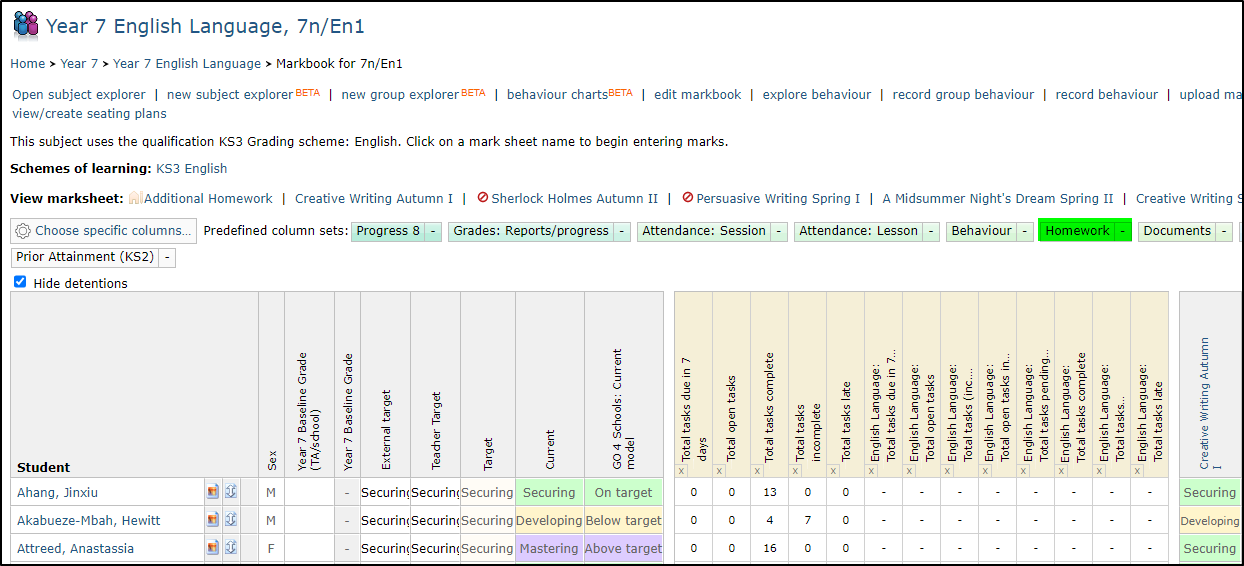
The same summary can be generated in the new subject explorer by choosing the columns from the Homework option. You can choose to show all homework for the students in the group or just homework for your particular subject.
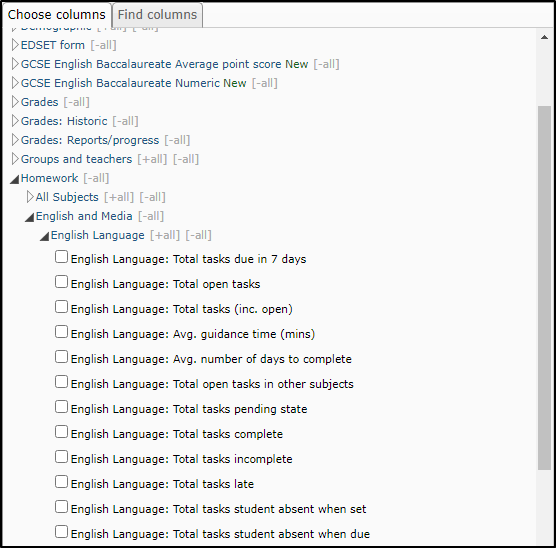
You can download data relating to homework set across all teaching groups since the start of the academic year at a year group level.
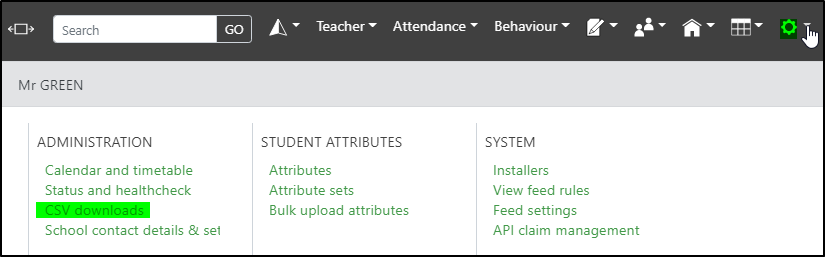
The csv downloads can be accessed from the manage menu:
You should click the year group under Export homework by year group to create a csv download of homework set:
