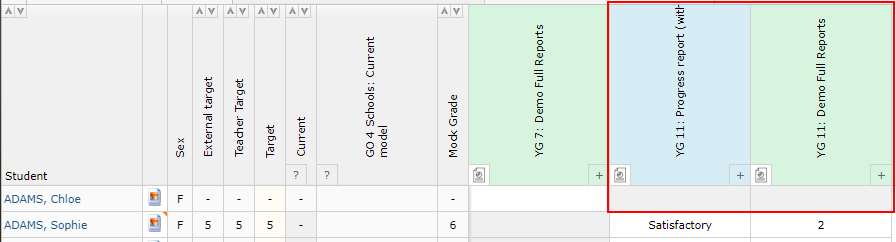
Report attribute marksheets allow teachers to enter their report attributes via their markbooks. This allows them to see their assessment data while making their decisions. Report attributes can still be updated via the report writing pages as well, and the values will then populate the marksheet. This allows staff to use either method as they best see fit.
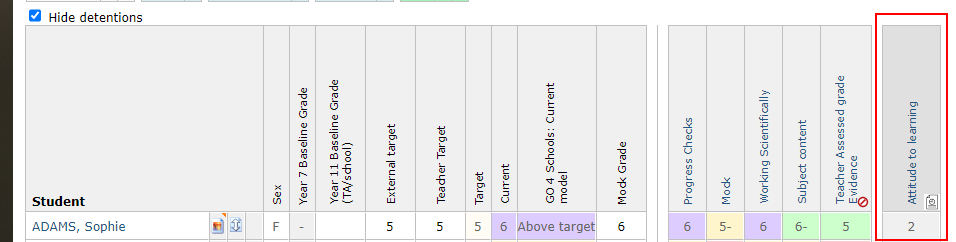
The marksheet appears to the right of the markbook, and will show the most recent value entered in the markbook view:
 In the marksheet view the most recent report will be open for editing, any prepared reports will be locked for editing by all staff besides school managers and report managers:
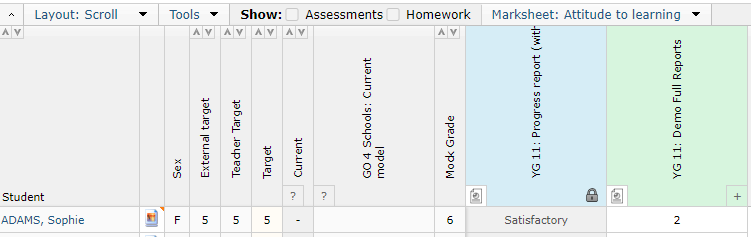 Where students are not included in a report, their entries will also be locked: