
GO 4 Schools can be used for report writing as well as tracking. If your school is using GO 4 Schools for report writing, you will see additional links in the User/Teacher menu, for Reports and Comment banks.
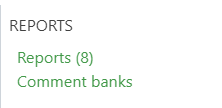
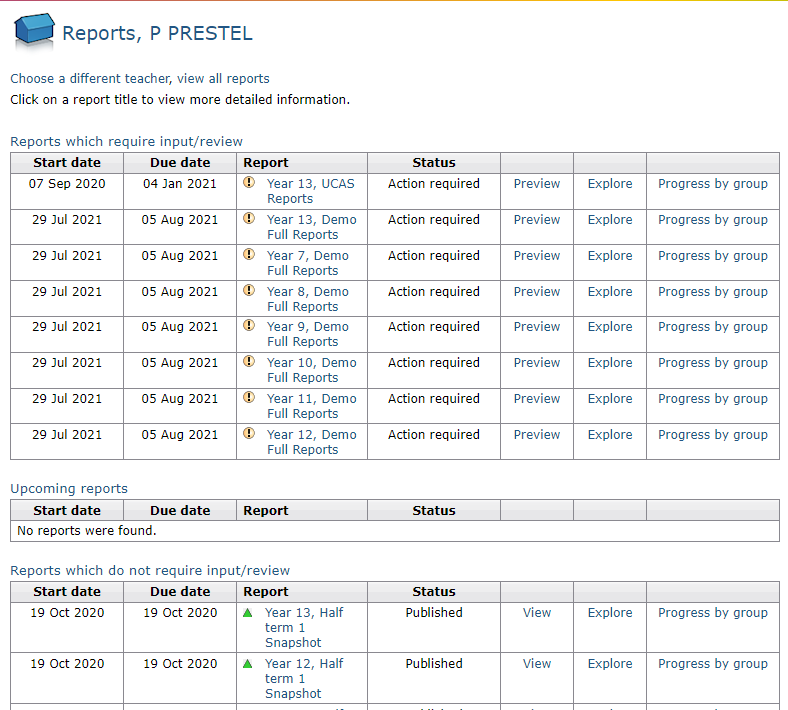
Clicking on the Reports link will list the available set of reports for your selected preferred teacher and indicate what action (if any) is required. Clicking on a set of reports will take you to the report-writing page. Clicking on the Progress by group link will allow the teacher to access the report writing page for any group included in the report.
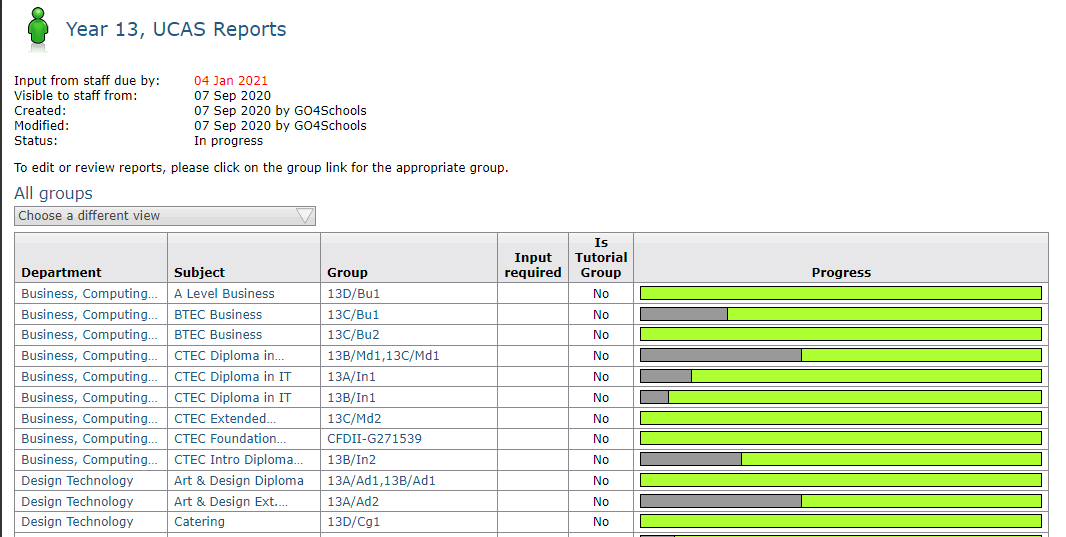
Reports for students in GO 4 Schools can contain:
- Grades, e.g. current working grade, target grade, projected grade, which are fed into reports automatically so no data re-entry is required.
- A written comment, which may be based on text drawn from a comment bank.
- One or more Report attributes such as attitude to learning, in which you choose zero, one, or more from a list.
Your school can choose which of these to include in each set of reports that are produced. For instance, full reports may include a comment, but interim reports might not. If a set of reports includes a written comment for each student or attributes to be specified for students, input is required from teachers. In contrast, reports that consist of grades only require no special input from teachers as long as marks have been entered in markbooks.
Comment banks
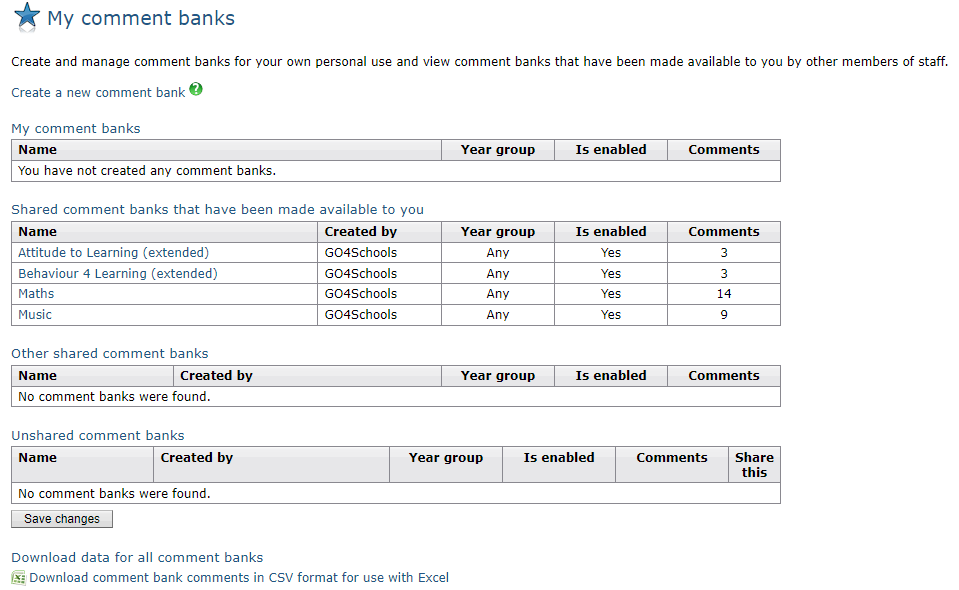
Comment banks are sets of pre-written comments about students that can be used when writing reports. GO 4 Schools has a name, a set of comments, and can be tagged as being suitable for use with any year group or just a specific year group. We recommend setting up separate comment banks (containing different comments!) for each year group whenever possible. When you click on the Comment banks link in the menu you will see the My comment banks page. This page lists any existing comment banks, and allows you to start the creating of a new one by clicking the Create new comment bank link. If you decide to create a new comment bank you will need to provide a name and select which year group is should be used for. You can then start adding comments to it. If you are a curriculum leader you will be able to share you comment bank with other staff.
Each comment in a comment bank consists of the comment itself and a code which can be used to quickly identify the comment in a list.
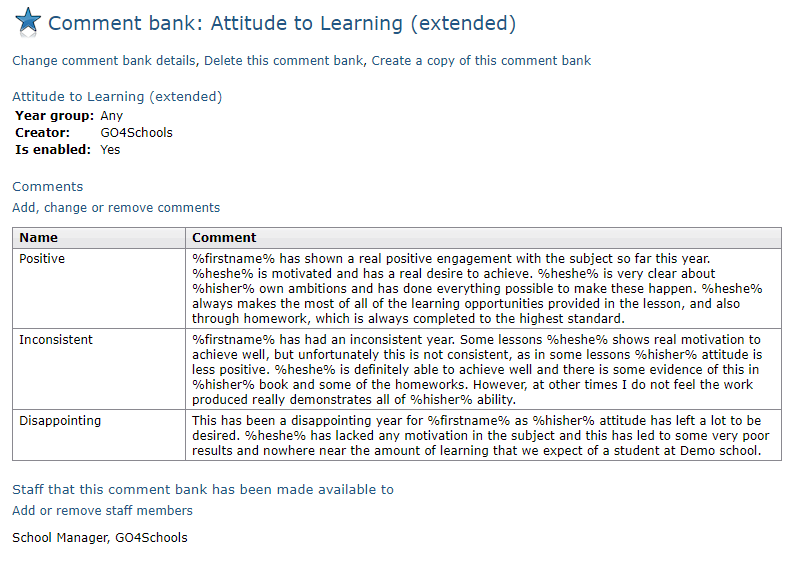
The comment can include various substitutions which, when the comment is added to a report, are replaced with information drawn from the database. The available substitutions are as presented in the table below.
|
Text |
Is replaced with |
|
%hisher% |
'His' or 'Her' as appropriate |
|
%himher% |
'him' or 'her' as appropriate |
|
%himselfherself% |
'Himself' or 'Herself' as appropriate |
|
%heshe% |
'He' or 'She' as appropriate |
|
%firstname% |
The student's first name, e.g. 'John' |
|
%name% |
The student's full name, e.g. 'John Smith' |
|
%subject% |
The subject e.g. 'French' |
|
%school% |
Your school’s name. |
When setting up a new set of reports, report managers will be able to choose if comments are allowed in a report, and whether you will be able to type free text to go with your comment bank statements, or pick from comment banks only.
GO 4 Schools does not come with any built-in comment banks, as experience indicates that no two schools want to use exactly the same comments. There is no way of importing comment banks from other software at present other than simply copying and pasting individual comments