
To view and edit your general settings you can access the School contact details and settings page under the manage menu:
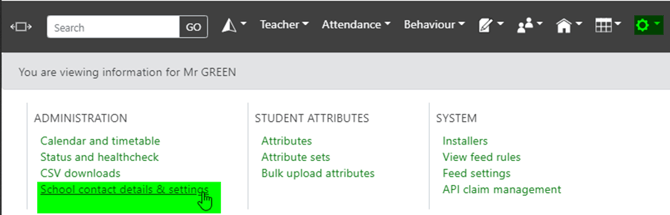
The Settings tab allows you to manage your general, non-statistic settings. This includes your behaviour defaults, detention management, homework, and overall settings.
Access control

These settings are to quickly enable your exam embargo, as well as turn on the Governor view.
Password expiry policy

Parental contact details

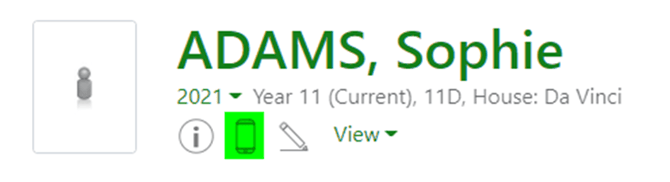
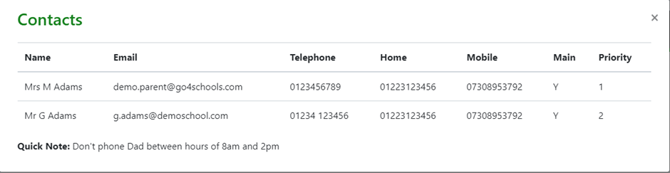
You can choose to add a link to the top of the student page which will display parental contact details for that student. The details displayed will be exactly as we receive them from your MIS and will not have any manipulation done on them.
Note: We will never display the contact details to parents and students, this is for staff only.
Visibility of 'Quick Notes' (SIMS only)
In combination with enabling the sending of quick notes in the feed tool, these settings will allow you to control where the flags are displayed. Quick notes are never displayed to students or parents, and for staff, are only visible on the parental contact details, or via the quick note link on the student page:

The flags are just an indicator to staff that a student has a quick note.

Behaviour tracking
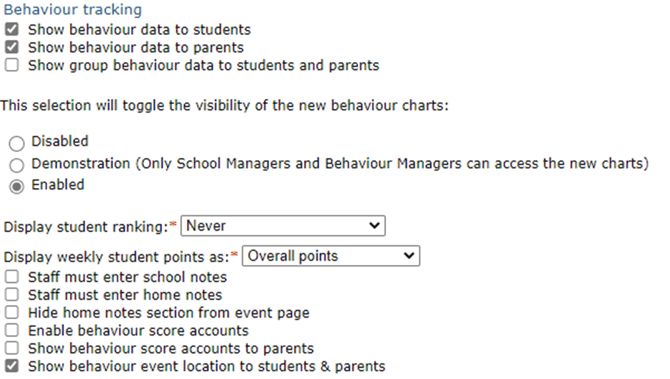
This section allows you to manage whether students and parents can view behaviour data, how behaviour data is displayed, and what information staff must enter when adding behaviour data.
You can also choose to display behaviour charts to staff. If enabled, links to charts will show on the year group, subject and group pages.
Email notification rules
Here you can enable the ability for users to create email notification rules. Rules can be created to trigger email notifications when certain behaviour events are raised for certain students or groups of students. More information on this feature can be found in the Behaviour manager’s guide.
Managed detentions
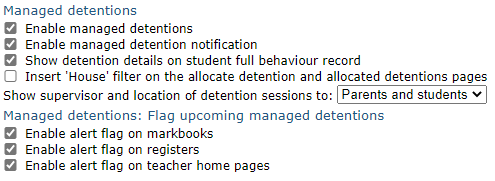
Here you can enable managed detentions, and control the visibility and notifications settings for students and parents. The final section will show alerts on markbooks, registers, and teacher home pages where students in their class have a detention on the day. More information on this feature can be found in the Detention manager's guide.
Documents
Enable or disable the ability for parents/students to download documents.
Homework
You can set the homework module to behave in line with your school homework policy. Decide whether you want to be able to track homework completion, when homework tasks should move from the “ongoing” to “history” list and how overdue homework tasks should be handled. The last setting allows students to mark their homework as done to make their tracking of homework easier.
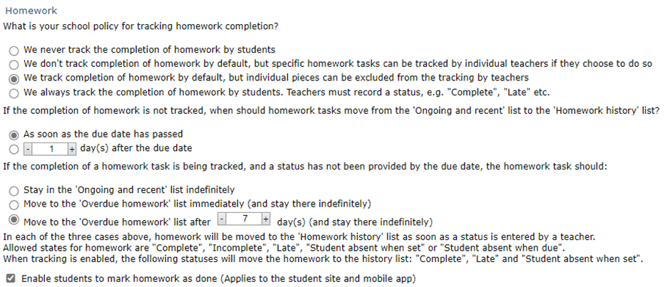
Formative assessments
When enabled, this will allow staff to add formative assessments to assessment marks and grades via the markbook.
Student and parent view
There are links at the top of the student page to allow you to preview your settings from a student or parent point of view:
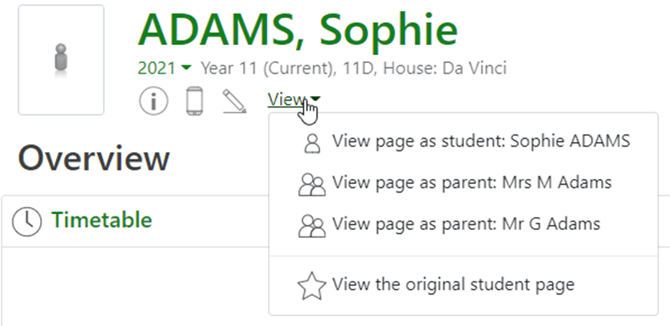
Once you have changed your settings, you can review what is visible to students and parents via these links.