
Homework can be tracked and/or marked in markbooks if your school settings allow.
School managers will need to configure the homework settings to suit your school policy. This can be accessed from the manage menu:
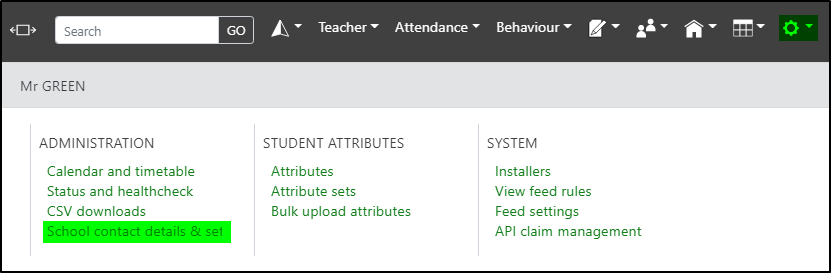
Click the Settings tab and locate Homework settings.
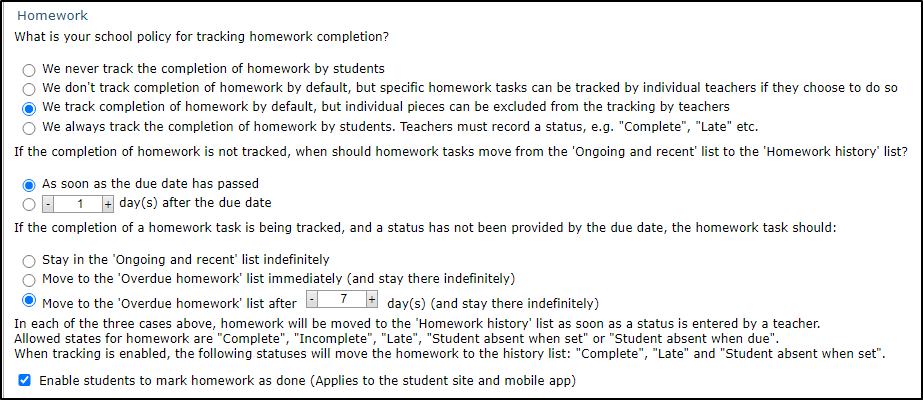
The checkbox to enable students to mark homework as done will allow students to check off homework as they complete it. This is for visual purposes only, and while parents and teachers can view that the students have marked an item as done, they are unable to edit that status