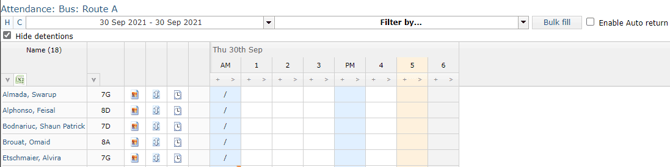
To assist schools in taking attendance for specific groups of students, GO 4 Schools provides a functionality referred to as special registers. These are set up using student attributes, which needs to be initially created/enabled by school managers. Student attributes are covered in further detail in the student attributes article. Once created/enabled, the school manager can flag the attribute to allow for attendance officers to update the values against it so that the attendance officer can maintain the registers.
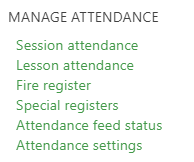
To access the special registers, use the link in the attendance menu - Special registers:
 Any existing special registers will be shown, and if set up to allow for attendance officers to manage values, clicking the Manage values link will allow you to set those. Please see this article for details on uploading/changing values.
The column Choose attribute value allows you to set which attribute value should be used to generate the register, while the View attendance links will take you to the register to record attendance:

The register can span multiple year groups, but otherwise works like any other attendance register: