
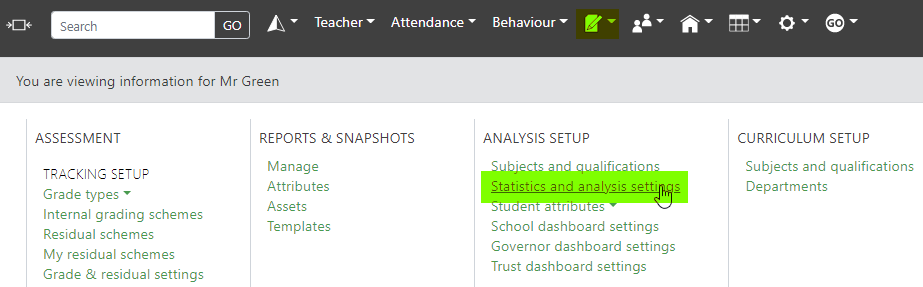
You can find the page to view and edit your statistics and analysis settings under the curriculum menu:
Residual Schemes

If you do not have the residual scheme functionality enabled, please open a support ticket.
Exam Governing Body

The exam governing body will be selected as part of your initial set up of GO 4 Schools. However, should you need to change this you will need to make the request in a support ticket.
DfE KS4 Estimates

English schools: This section allows you to choose which set of estimates to apply to students completing exams in each academic year.
On occasion schools provide GO 4 Schools with the pre-released estimates published on the membership-only DfE School and College Tables website. GO 4 Schools may then introduce this “unvalidated” set of estimates for you to opt-in to if you wish. Once the “validated” estimates are available you will need to manually select this set.
If you choose the set of estimates prefixed with “default”, your statistics settings will automatically update to the latest set of “validated” estimates once they are available in GO 4 Schools.
Level 3 Value Added

English schools: This section allows you to choose which set of estimates to apply to students completing exams in each academic year.
These values are updated twice a year, as the DfE update the Ready Reckoner.
APS Point scale
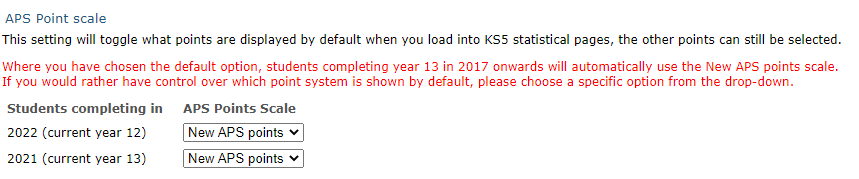
APS Point Scale: This will allow you to set the APS values displayed for your sixth form data to either the old or new APS points. The recommended default value shows the new values.
Visibility of Statistics
This table allows you to control the display of various statistical elements throughout the site. You can also set year group specific rules, where applicable. For instance, showing IGS/KS4/P8 tables are not relevant to sixth form, and therefore there isn’t an ability to set a rule, also numeric GCSE and P8 options will not be visible to Welsh schools.
Progress preferences - baseline grades
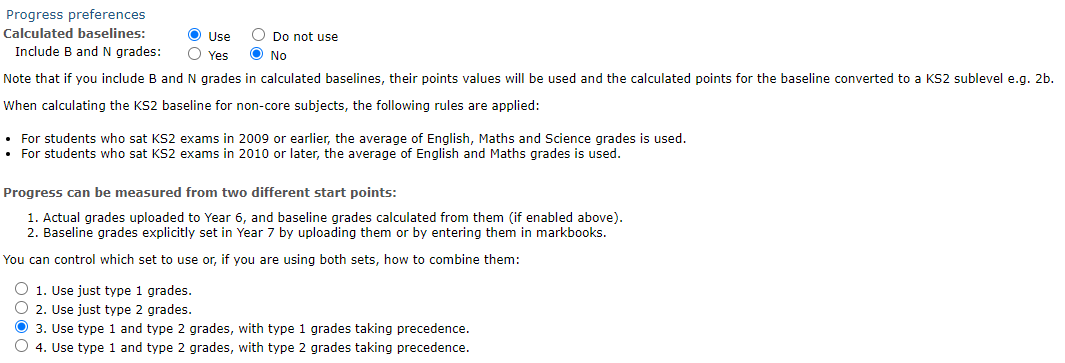
Calculated baselines: If you select to use calculated baselines, GO 4 Schools will use existing actual grades from the year before your Baseline Year (set to Y7 for secondary schools) to populate a Year 7 Baseline column in your core subject markbooks (English and Maths).
If your KS2 actual grades are decimals or sublevels (awarded pre-2016), GO 4 Schools will then calculate an average of the English and Maths grades for use with non-core subjects.
If your KS2 actual grades are scaled scores, then GO 4 Schools will display the scaled score for English and Maths markbooks, but will not attempt to calculate a baseline for non-core subjects at this time.
Combining actuals and baselines to measure progress: Choose what combination of grades you want to use to measure progress from.
Statistical outputs

Using the key settings, you can choose which key statistics appear on year group pages.
Student Flight Path
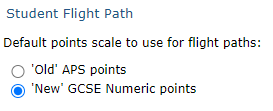
The chosen measure for populating flight paths will act as the default for the whole school. When users view a student flight path, users will be able to alter the chart settings for their own account.
Auto-charts
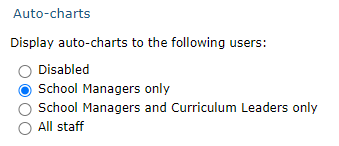
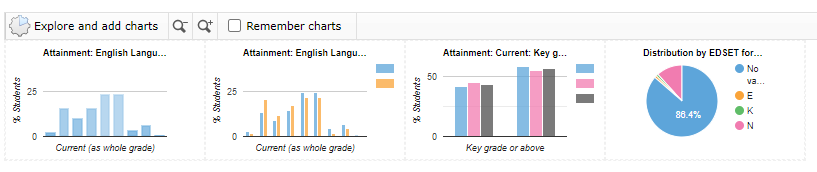
This setting allows you to control the auto charts that show on subject pages:
Interactive ribbons
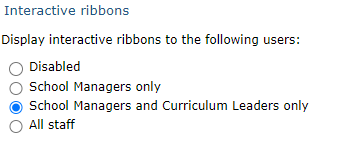
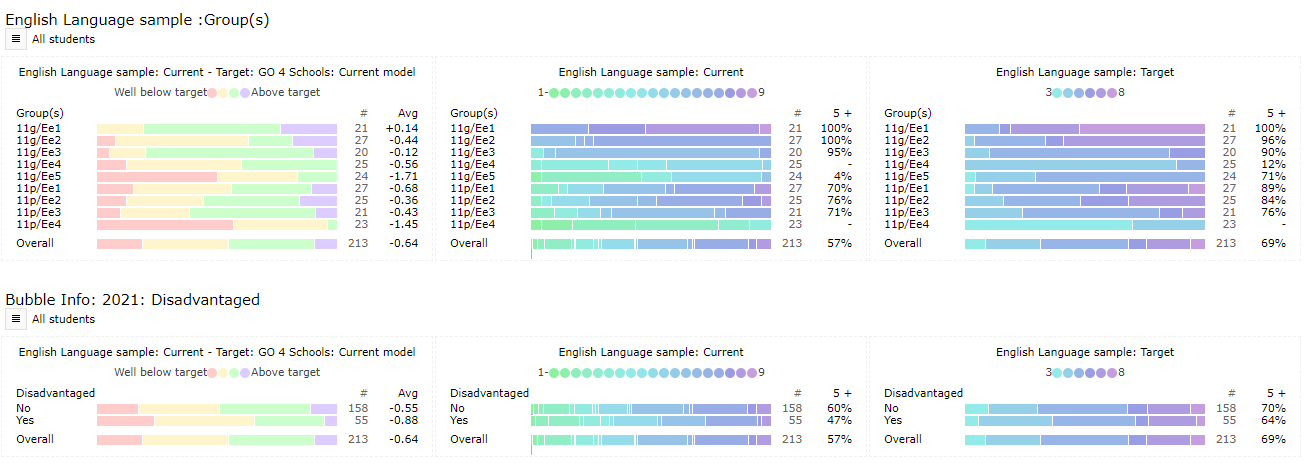
These ribbons are available on subject pages and allow you to analyse your subject level data by your focus groups:
At a glance charts
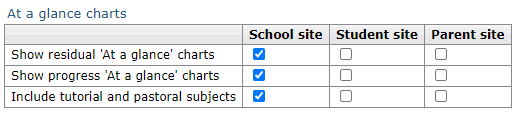
You can control the behaviour and visibility of the ‘At a glance’ charts displayed on student pages, including the choice of whether to show progress and/or residual charts, and whether to include tutorial subjects.
Subject year group
 Subject year group visibility settings control when you want to display the year group of the subject to users.
Progress charts vs residual charts
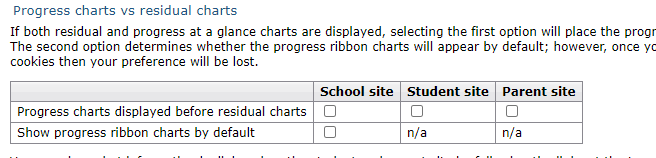
You can manage the order that the ‘At a glance’ charts are displayed if both have been selected to be visible, and whether teachers see progress ribbons by default.