
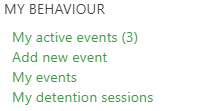
All users are able to access all detention registers to record attendance and completion status for detentions. If you are assigned as the supervisor for a detention session the link will be available to you under the behaviour section of the Teacher menu:
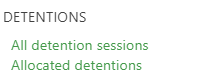
All detention registers are available under the detentions section of the Behaviour menu:
Once on the detention session register page, students can be marked as attended as well as completing the detention - this is so that you can record where a student attended a session, but did not complete the session, leaving the event open to re-assign another detention, or mark completed at a later date. Notes can also be recorded against the student. Links on the register page allow the supervisor to access both the student page, as well as the behaviour event.
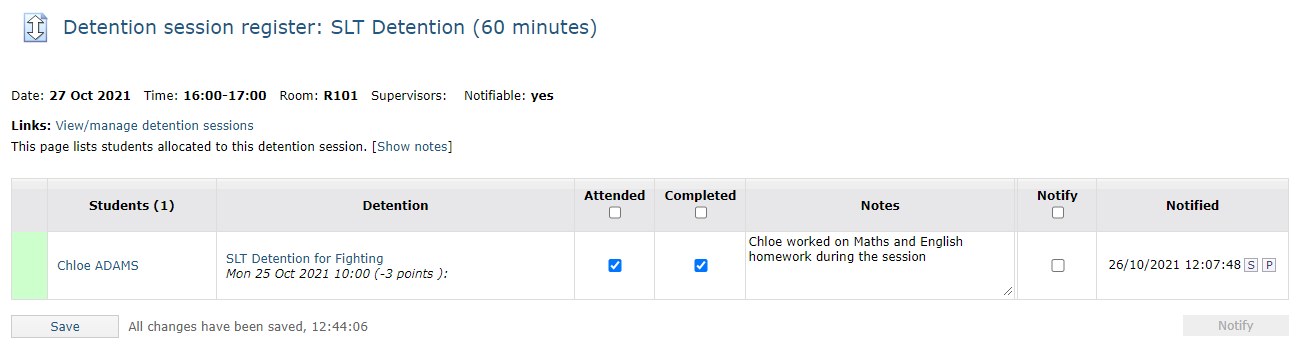 Once the student is marked as attended and completed the behaviour event is closed automatically unless there are further follow up actions that require attention.