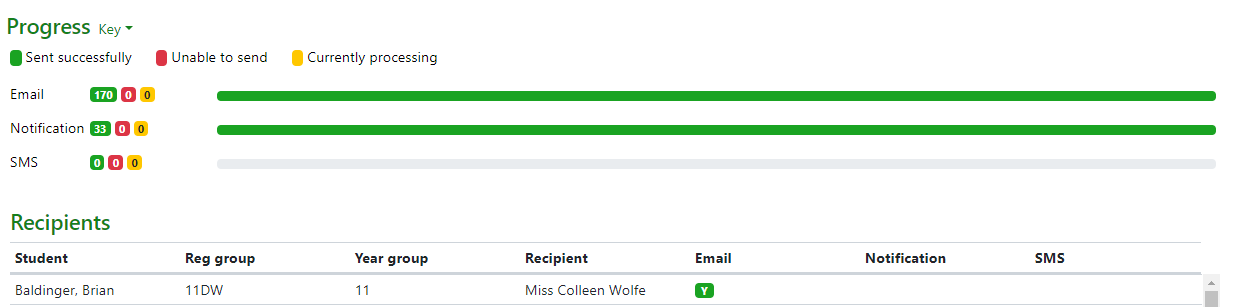
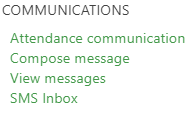
You can see a full record of ad-hoc messages sent and their status on the View Messages page which is accessible via the People menu:
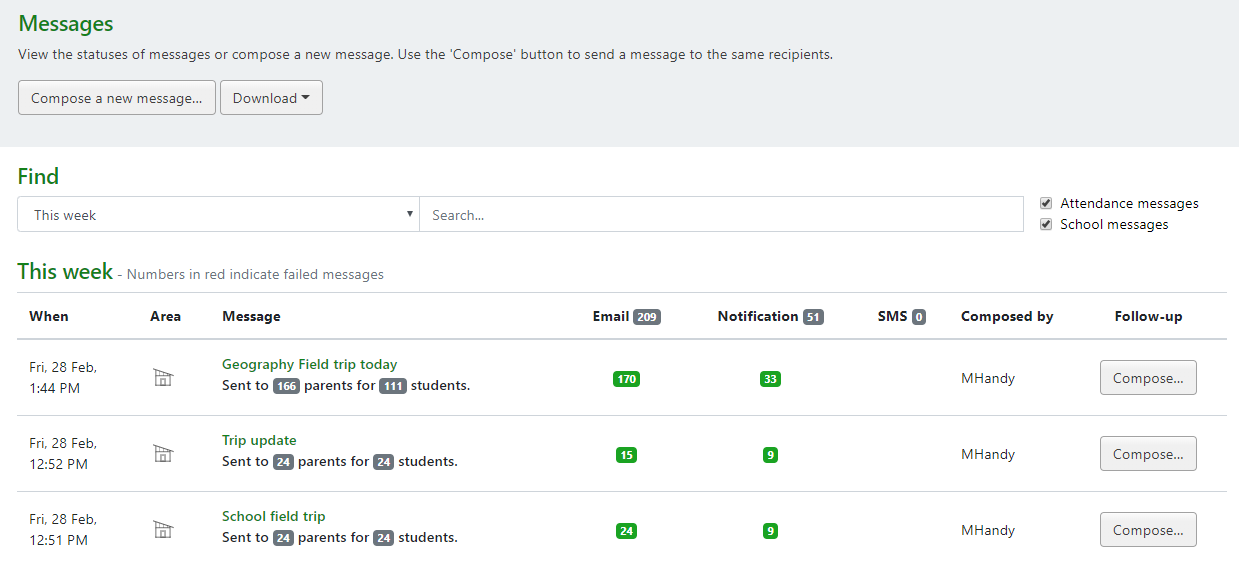
If you’d like to re-use a group of students from a previous message, there is a Follow-up column, which has a Compose… button next to each message, which will take you to the message composing page pre-loaded with the recipients and channels used previously.
At the top of this page are options to either create a new message, or download a list of messages that have been sent.
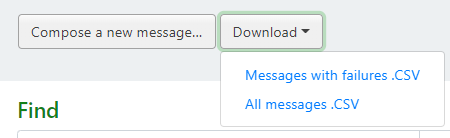
There are filters at the top of the messages table to cut down to a specific period of time, as well as a search box to allow you to search for specific messages. Each column shows how many messages have been sent via that channel, with colour coding to show the status of the messages at a glance. You can click on the message title to view the complete status of the message. The download link will also provide you with the list of filtered messages – either all, or just the failed messages.