
Under the People and Attendance menus you can select to view SMS Inbox. This page will display all replies in time/date order from a specific mobile number associated with a parent in GO 4 Schools.

As a mobile number may be associated with one or more pupils, we cannot show which message the specific response is linked to or which student, so all students linked to the parent are shown. The search box can be used to search on parent, student or mobile number. A preview of the message is visible as well as the time received and how many replies have been sent. The example below shows both parent names as they are associated with the same mobile number.
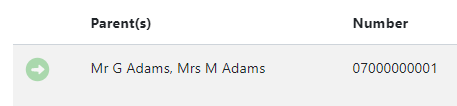
By clicking on the green arrow next to the parent name, the SMS inbox for the parent will display listing all messages in date order for all students linked to that parent.
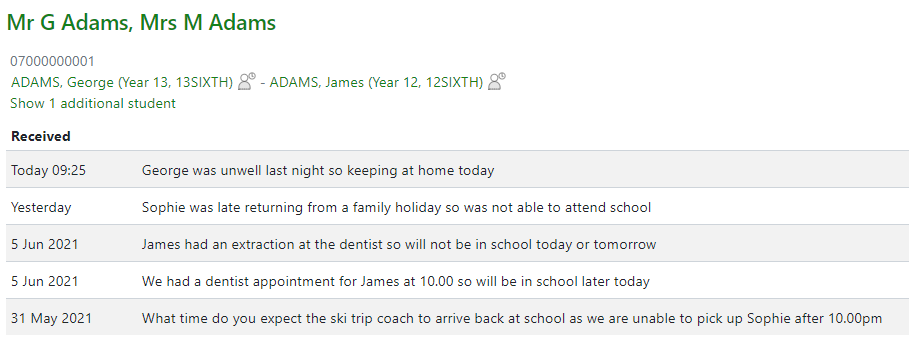
Links to each student’s individual page can be accessed from here to easily edit attendance marks and all messages can be downloaded as a CSV.