
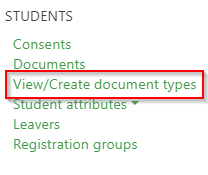
To add new document types, under the People menu, click on View/Create document types:
Any existing document types that you have set up will be displayed along with the ability to add new:

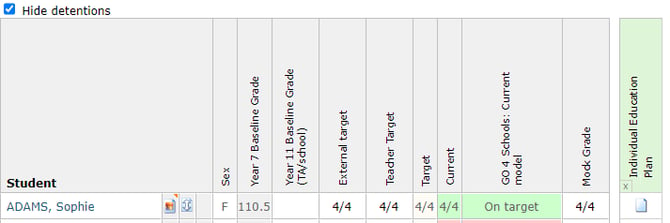
Each field is required when adding a document type, the title is visible to all users. While document types can have a default visibility, this can be overridden for individual documents uploaded to students. The setting to show in markbooks will allow teachers to view the document in the markbook pop-out Documents:
Once you have created a new document type, click Save:
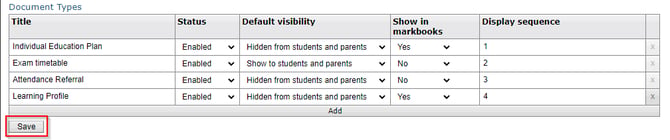
Unused document types can be removed by clicking the X to the right, while document types you no longer want to be available for use can have their Status changed to Disabled. You must save after making any changes.