Search function
The search box embedded in the menu bar can be used to search for students, groups, subjects and years.

Path Finder

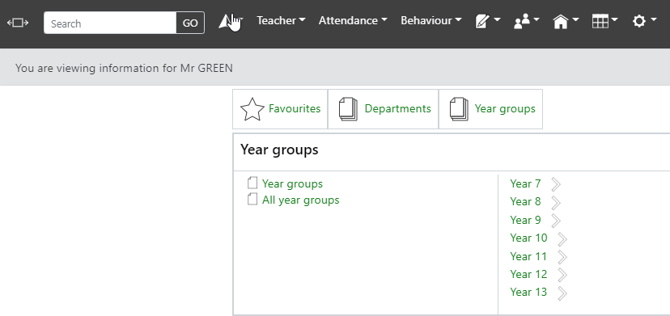
The path finder holds your favourite pages, and is the link to both subjects and year groups:
Teacher/User Menu

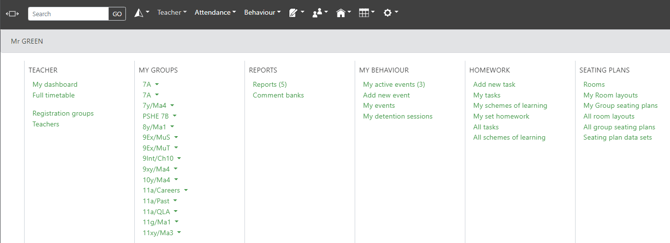
When linked to a teacher account this will link to the teacher dashboard, full timetable, groups, reports, behaviour, homework and seating plans:
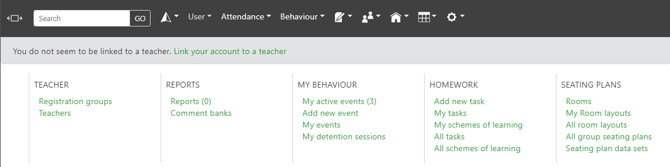
When not linked to a teacher account, this will allow you to link yourself to a teacher, as well as access the list of teachers, registration groups, reports, behaviour, homework and seating plans:
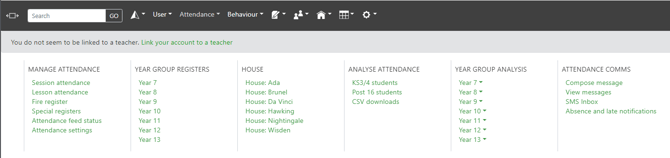
Attendance Menu

The attendance menu will give you access to registers, the view below is for attendance officers
Behaviour Menu

The behaviour menu will give you access to all common behaviour actions
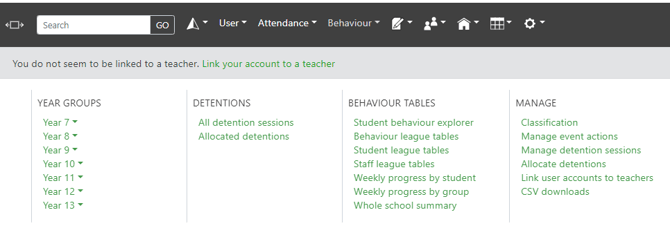
The manage menu will only appear to school managers and behaviour managers.
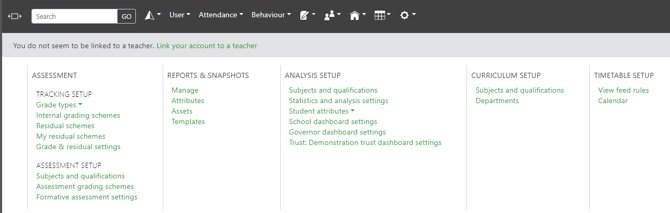
Curriculum Menu

The curriculum menu gives you access to your assessment, report, stats, and feed rules.
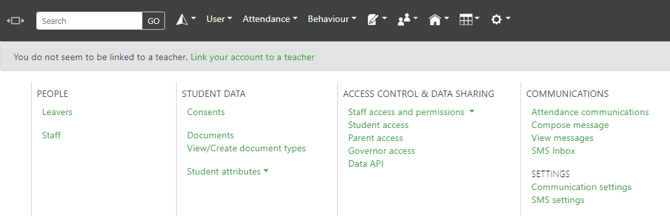
People Menu

The people menu controls your settings related to users, attach documents to students, manage consents as well as communications/SMS settings:
School Menu

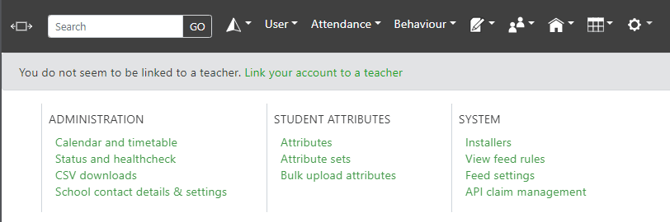
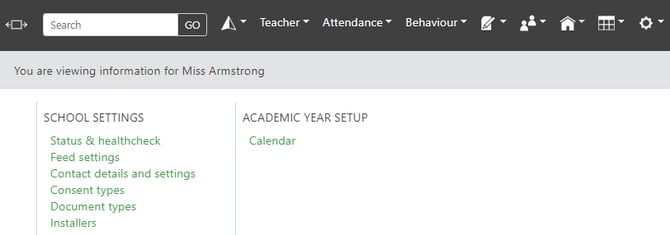
The school menu allows you to control your calendar, contact details and settings, status and health check, and installers:
Academic Year Menu

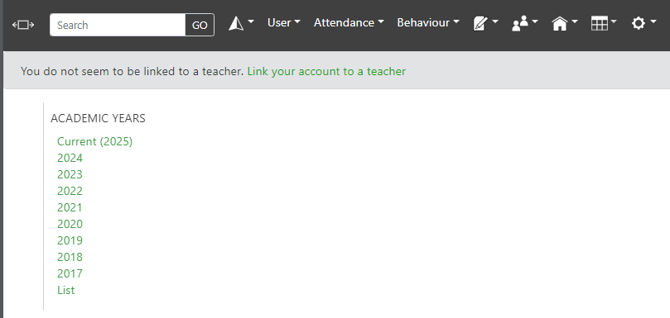
The academic year menu allows you to quickly change academic years for the overall site.
Manage Menu

The manage menu gives you access to all of your general settings.