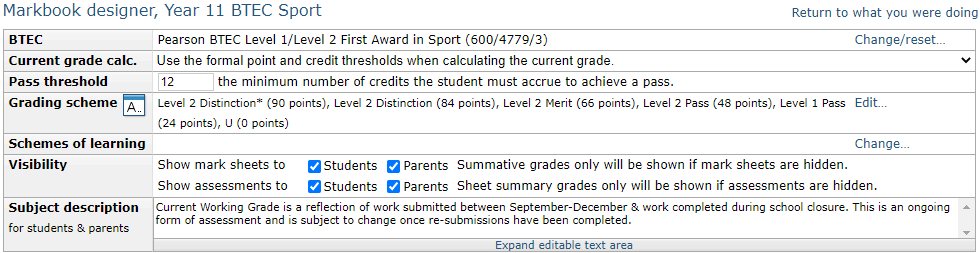
If you are creating a vocational style markbook you must set the pass threshold for the qualification. This represents the number of credits (or guided learning hours) a student must attempt to complete a course. For example, a BTEC might have a pass threshold of 60 credits. If each marksheet/unit that you set up is worth 20 credits, they must attempt three units to meet this criteria. The pass threshold is entered in the box labelled Pass threshold at the top of the markbook. You'll need to check the course specification to determine the pass threshold.
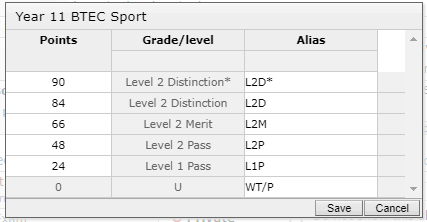
The final step is to convert the point scores into an overall grade. The points thresholds can be found in your course specification and will need to be entered in the overall subject grading scheme. This can be accessed by clicking the Edit... button next to the marksheet grading scheme.
While in this screen you may also set aliases for your grades.