Once reports have been enabled for your school, as a curriculum leader you can track report writing progress via the Reports link in the teacher menu:
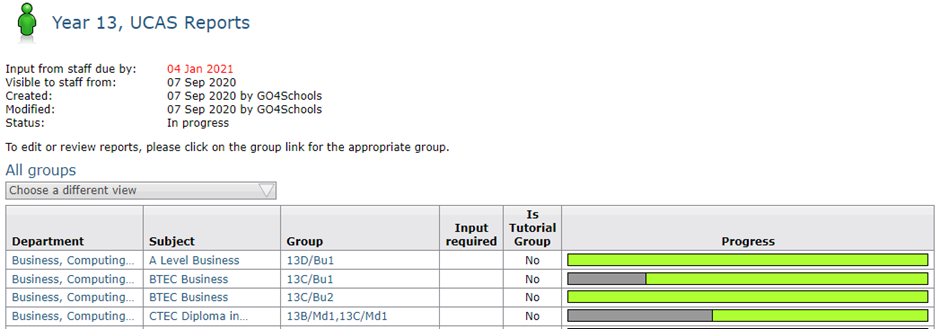
You can then choose a set of reports for which to view the progress, by clicking on the Progress by group link next to the report you are interested in.

The resulting page displays a progress bar for each member of staff, to show how far through the report writing process they are. You can switch to view progress by teacher, group, of view groups with missing grades by clicking the Choose a different view button. To preview a report, click on the group name.