There are two ways to view your behaviour events, either all of your events for the academic year, or just your active events. Both are accessed via the User/Teacher menu:
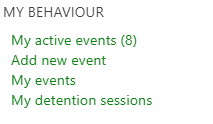
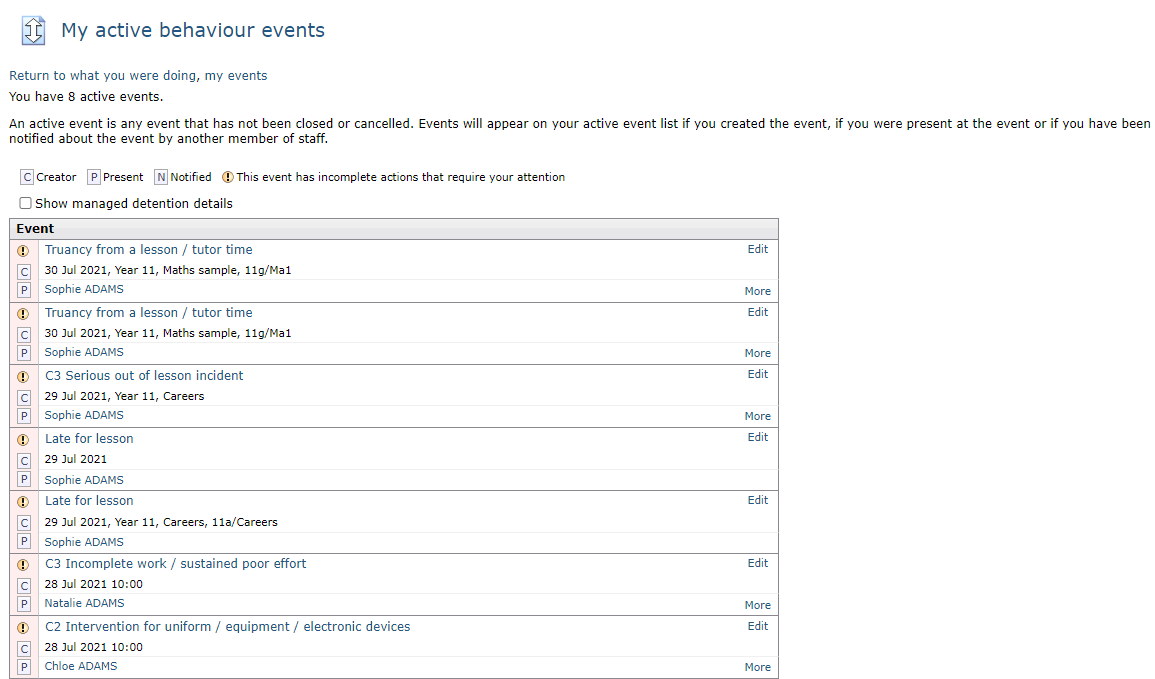
My active events
This page displays any events which you created, were present at, or that you have been added in the Share with other staff section, and are not closed or cancelled. From this page you can click to view the details of the event, edit the event, or click through to the student page of any involved students.
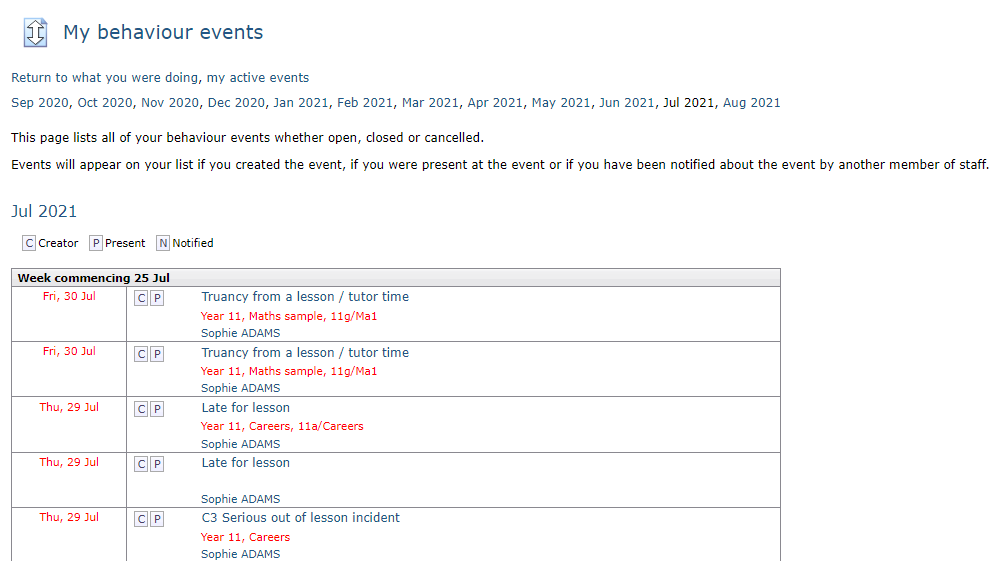
My events
This page will display all of your events, whether the event is open, closed, or cancelled. You will see all events that you created, were present at, or have been notified of. The events are grouped by month. From this page you can click to view the details of the event, edit the event, or click through to the student page of any involved students.